My first computer was a clunky desktop with a dial-up modem that shrieked every time I tried to load a webpage. That sound—equal parts annoying and magical—taught me patience, and somehow, I never outgrew it. Now, I run this site to share the kind of tech knowledge that actually helps: clear guides, honest reviews, and troubleshooting tips that cut through the jargon. If a computer problem has ever left you staring at a screen in frustration, you’re in the right place.
Adding alt text to PowerPoint slides is the easiest way to make your presentations truly accessible. ✨ I’ve seen countless slides with images that screen readers ignore—until now. This simple tweak ensures your visuals…
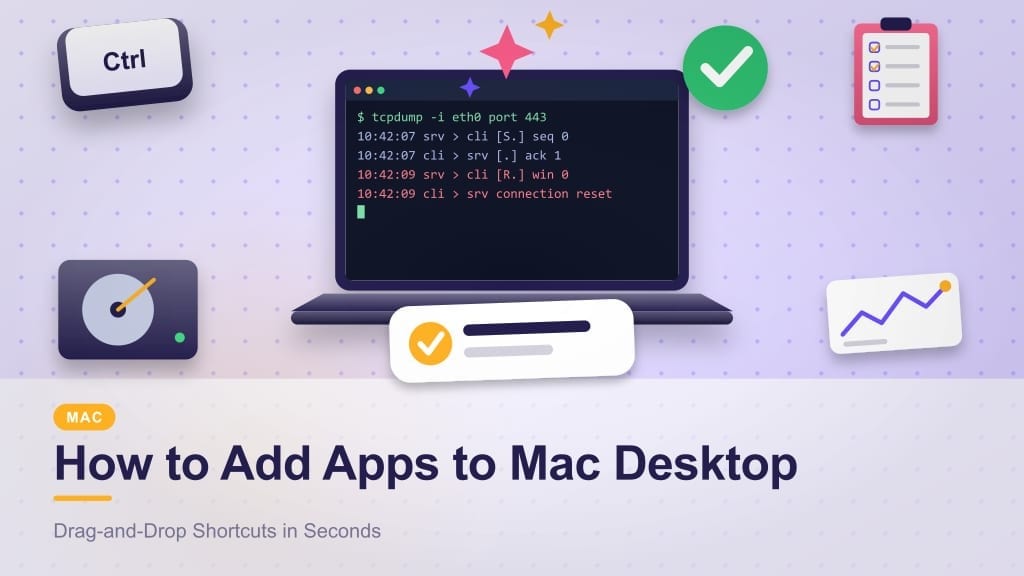
Adding apps to your Mac desktop used to be a hidden trick, but it’s shockingly simple once you know the right steps. ⚡ I’ve been placing shortcuts this way since macOS Monterey, and it cuts through the clutter of folders…
Adding bullet points in notes used to feel like a hunt for the right menu—until I discovered these quick keyboard shortcuts that work across every device. 💡 Whether you're jotting down grocery lists in Apple Notes or…
Adding sound effects to PowerPoint turns slides from static to dynamic in under a minute—no fancy gear needed. ✨ I’ve used this trick for client presentations and even my Sunday morning guitar practice demos (yes, I’m…
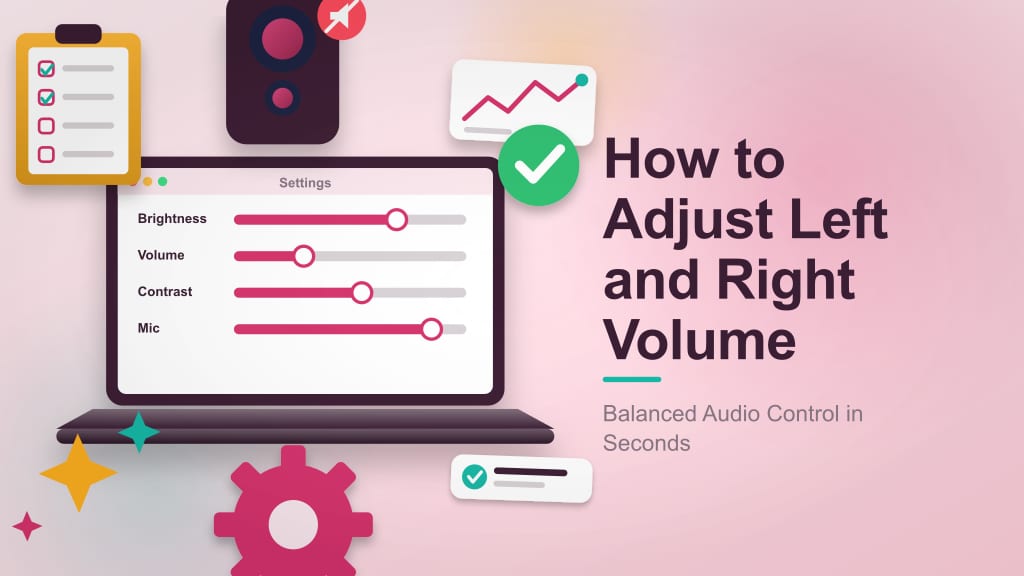
Adjusting left and right volume balance saved my gaming sessions during the Call of Duty finals last month—one side was always too loud, and I couldn’t focus. ✨ The fix isn’t just about fiddling with sliders; it’s about…
To animate a table in PowerPoint, you don’t need to be a designer—just follow these straightforward steps to make your data pop without overwhelming your audience. ✨ I’ve animated hundreds of tables for presentations…
Learn how to automatically download pictures in Outlook —my first time saving me three hours a week by skipping the hunt for lost vacation photos or work screenshots. ⚡ The process is shockingly simple once you know the…
Changing font on all PowerPoint slides used to mean clicking every slide like a digital scribe. ⚡ I’ve spent hours doing that—until I discovered the Slide Master shortcut that updates every slide in under 10 seconds…
Changing your iPad keyboard language is faster than you’d expect—just a few taps turn your device into a multilingual powerhouse. ✨ I’ve helped dozens of clients switch between languages for work, travel, or learning…
To change line spacing in PowerPoint, you only need three clicks —no hidden menus or trial-and-error. ⚡ I’ve fixed misaligned text in hundreds of presentations, and this method works every time, whether you’re using…