My first computer was a clunky desktop with a dial-up modem that shrieked every time I tried to load a webpage. That sound—equal parts annoying and magical—taught me patience, and somehow, I never outgrew it. Now, I run this site to share the kind of tech knowledge that actually helps: clear guides, honest reviews, and troubleshooting tips that cut through the jargon. If a computer problem has ever left you staring at a screen in frustration, you’re in the right place.
You can download a weekly schedule template in Excel for free to organize your time effortlessly—no subscriptions or complicated software needed. Struggling to stay organized while juggling work, personal tasks, and…
💥 Quick Answer Restoring a computer means resetting its operating system, settings, and software to a factory-default or previously saved state, often wiping personal files unless backed up. This process fixes…
💥 Quick Answer What happened to the MSN News app? It shut down in 2021 as Microsoft consolidated news content into its web platform and Microsoft Start, prioritizing cross-device accessibility and reducing…
💥 Quick Answer Microsoft Store apps are installed by default in the Program Files\WindowsApps folder on Windows 10 and 11, with each app stored in a separate subfolder. Their locations are hidden by default, but you can…
💥 Quick Answer Where can I download Microsoft Word? Start with the official Microsoft 365 website for free trials or subscriptions. For offline versions, use the Microsoft Store app or purchase standalone suites like…
💥 Quick Answer To find iOS Settings on iPhone, swipe down from the top-right corner (Control Center) and tap the gear icon, or open the app drawer to locate the gray 'Settings' app. Older models require pressing the…
💥 Quick Answer Microsoft Office in Windows 10 is installed in the Program Files folder at C:\Program Files\Microsoft Office\ (64-bit) or C:\Program Files (x86)\Microsoft Office\ (32-bit). Individual apps like Word or…
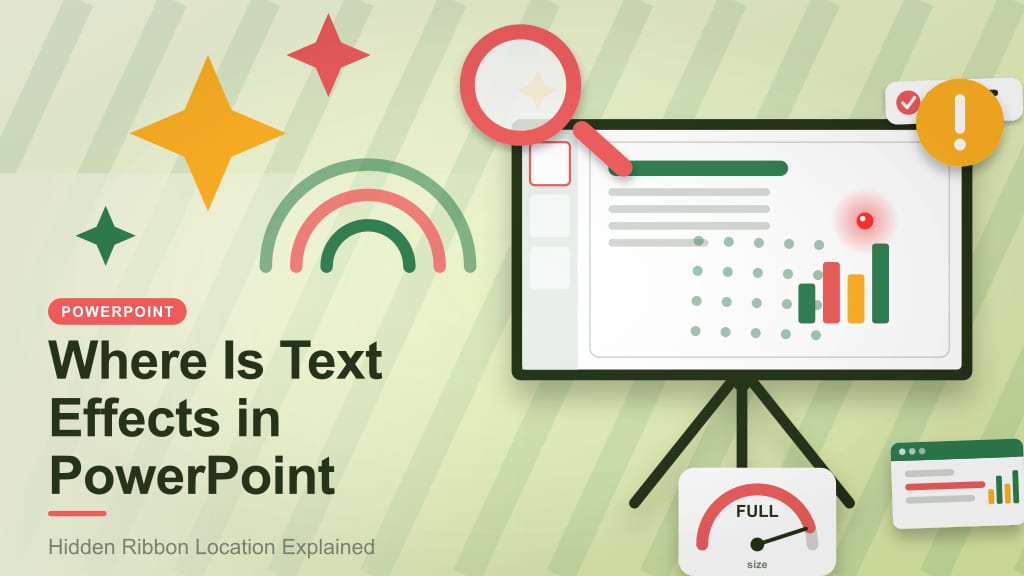
💥 Quick Answer To find Text Effects in PowerPoint, look in the Drawing Tools tab under the Format ribbon—this appears only when you select text or shapes. The Text Effects dropdown gives you access to shadows…
💥 Quick Answer The context menu in Excel appears when you right-click on a cell, sheet tab, or toolbar element, offering commands like Cut, Copy, Paste, Format Cells, and more. Keyboard shortcuts like Shift+F10 also…
💥 Quick Answer To find the Page Setup dialog box in Outlook, go to File > Options > Mail , then choose Stationery and Fonts > Printing Options . For quick access, press Ctrl + P , then select Page Setup in the print…