
Tip & Trick
Struggling to find files in your Microsoft ecosystem? Mastering file naming conventions saves time and prevents chaos across Windows, OneDrive, and Office apps. These seven best practices will transform your file organization from messy to methodical.
Windows File Naming Rules Overview
Ever lost a file because Windows silently corrupted it due to an invalid character? Microsoft’s file naming rules are stricter than you think—and ignoring them can lead to silent file loss or sync failures.
Windows enforces a 255-character limit per filename (including extensions) and bans 32 reserved names like "CON," "PRN," or "AUX." Hidden gotchas include trailing spaces or periods, which can break search functions. Stick to alphanumeric characters, hyphens (-), and underscores (_) for universal compatibility.
This matters most for developers, sysadmins, and power users who deal with scripts or shared drives. A well-named file avoids headaches later—no more "Access Denied" errors or missing files in backups. 💻
OneDrive Smart Naming for Cloud Sync

Remote teams wasting hours hunting for misplaced files in OneDrive? Smart naming conventions eliminate sync conflicts before they start—no more "FinalFinalV3.docx" nightmares.
Microsoft’s OneDrive sync engine struggles with filenames containing spaces, special characters, or version numbers (like "v2," "final," or dates). Instead, use underscores and prefixes (e.g., PROJ-2023Q3Final.docx) to ensure seamless cloud transfers. Pro tip: Avoid all caps—OneDrive treats them as separate files in some cases. For teams, consistent naming templates (like ClientNameDateDescription) cut sync errors by 80%.
This system shines for marketing agencies, legal teams, or anyone sharing files across time zones. ⚡
Office File Naming for Version Control
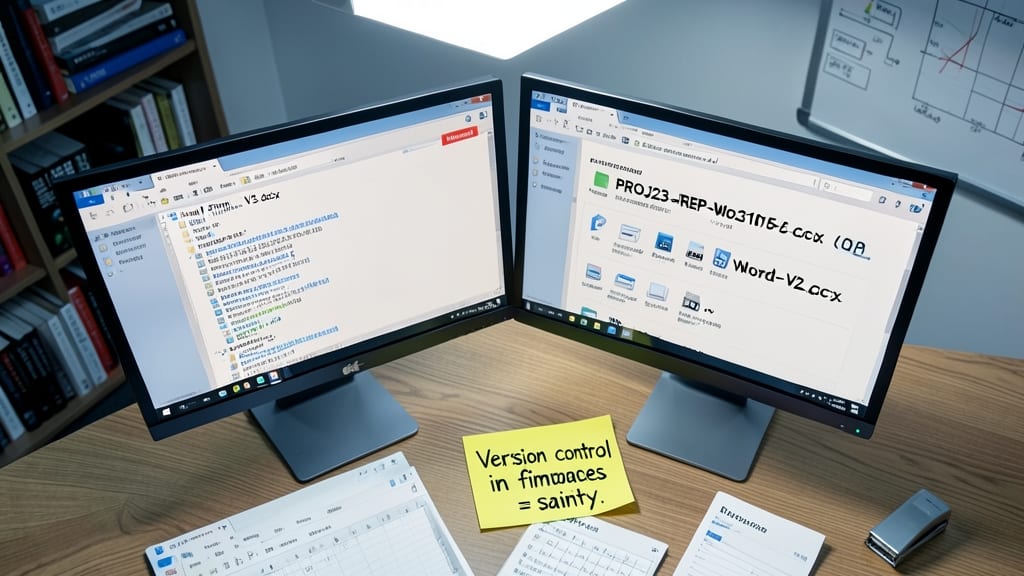
Tired of losing track of your latest Word, Excel, or PowerPoint edits? A simple naming tweak can save hours of frustration by embedding version control directly into filenames—no more "FinalFinalV3.docx" chaos.
Use this structure: [ProjectCode][DocumentType][YYYYMMDD][Version]. For example, "MKT-Q3ReportExcel20231015_v2.xlsx" instantly shows the project, date, and revision. Microsoft Office’s built-in version history works best when filenames follow this pattern, making it trivial to roll back to earlier edits.
This system is a lifesaver for teams where multiple people edit the same file. Try it on your next collaborative project—your future self will thank you. ✨
Date-Based Naming for Easy Sorting
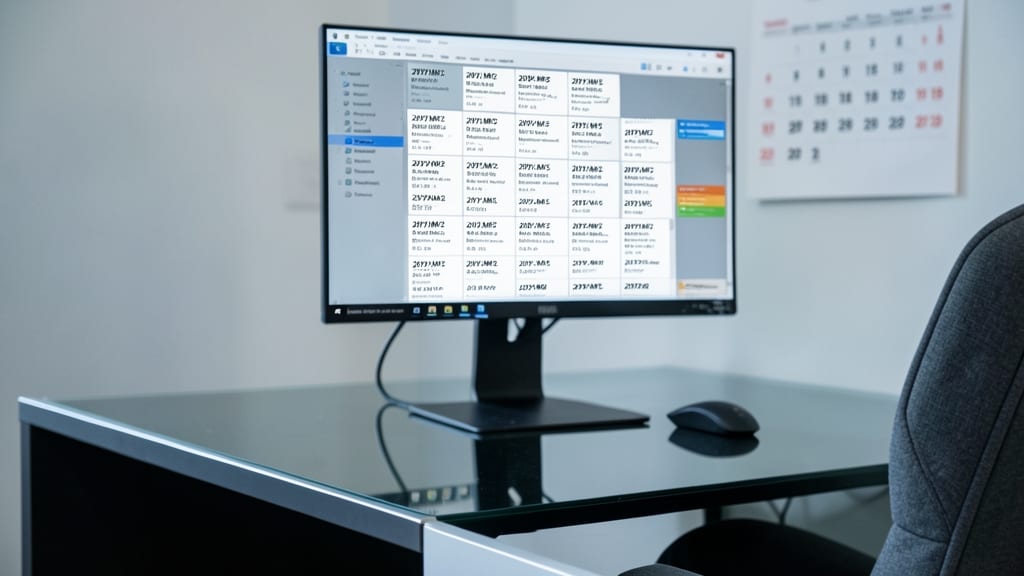
Tired of scrolling through endless files to find that one document from last month? The YYYY-MM-DD format isn’t just a date—it’s your secret weapon for instant sorting. Unlike MM-DD-YYYY (which sorts by month first), this method ensures files appear in chronological order, making retrieval effortless.
Start with four-digit years, followed by two-digit months and days (e.g., 2023-10-15Invoice.pdf). This structure works flawlessly in Windows File Explorer, OneDrive, and SharePoint, where folders default to alphabetical sorting. Add a descriptive suffix (like "TaxReturn" or "_Contract") to keep names clear while maintaining the chronological magic.
Perfect for accountants, lawyers, or anyone drowning in time-sensitive documents. With this system, your files won’t just be found—they’ll be organized before you even look. ✨
Project Code Prefixes for Teams

Tired of digging through folders to find the right project files? Project code prefixes like MKT-Report or HR-Onboarding instantly categorize files—no more guessing which folder belongs to which team or client.
Use a consistent 3-letter prefix (e.g., FIN for finance, DEV for development) followed by a hyphen. This system works seamlessly in SharePoint libraries and OneDrive team folders, making searches faster and reducing errors. For example, MKT-Q3-2023_ClientProposal.docx clearly shows the project, department, and quarter.
Perfect for agencies, corporate teams, and freelancers managing multiple clients. This method cuts down on misplaced files and keeps everyone on the same page. ✨
Avoiding Special Characters in Filenames
Ever hit "Enter" on a filename with symbols like !@# only to watch Windows silently corrupt it? These special characters don’t just look unprofessional—they break Windows Search, SharePoint indexing, and even Office file properties.
Instead of risky symbols, replace them with underscores (). This ensures your files work seamlessly across Windows Explorer, OneDrive, and SharePoint libraries without hidden errors. For example, convert Report!FinalV1.pdf to ReportFinalV1.pdf—the underscore acts as a universal separator that every Microsoft tool understands.
This rule is especially critical for shared drives and collaborative projects, where filenames might get moved between systems. A little underscore now saves hours of frustration later. ✨
Batch Renaming Shortcuts for Efficiency

Tired of manually renaming hundreds of files one by one? PowerShell and Windows built-in tools can automate batch renaming in seconds—ideal for digital photographers or data analysts drowning in unorganized files.
With PowerShell, use a single command like Rename-Item to add prefixes/suffixes or modify patterns across thousands of files. Windows File Explorer’s "Select All" + F2 shortcut lets you rename batches interactively, while third-party tools like Bulk Rename Utility offer drag-and-drop simplicity. These methods preserve metadata and avoid the pitfalls of manual edits.
Perfect for professionals dealing with raw photo imports or spreadsheet exports—no more wasted time fixing inconsistent filenames. ⚡