
Software
Small businesses need powerful tools but often lack the budget for expensive software. These 10 free Excel templates solve real-world challenges—from budgeting to inventory—helping you automate tasks, save time, and grow your business without spending a dime.
Small Business Budget Planner Template
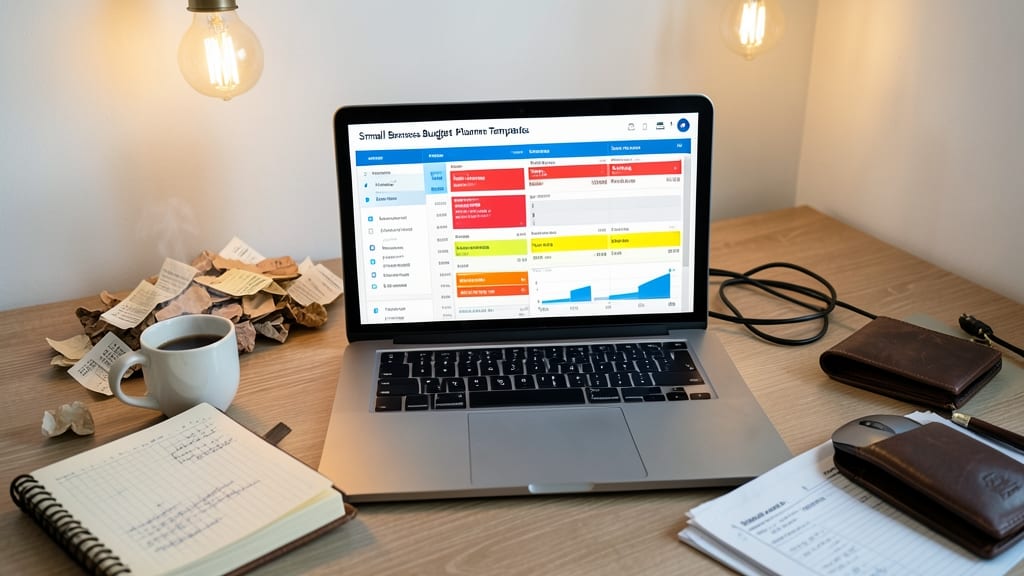
Drowning in receipts and unsure where your hard-earned money is going? The Small Business Budget Planner Template turns financial chaos into crystal-clear clarity with color-coded categories that instantly highlight overspending or unexpected windfalls. No accounting degree required—just plug in your numbers, and the template does the rest.
This template includes pre-built monthly and yearly summaries, automated expense categorization (utilities, marketing, payroll), and visual trend graphs to spot seasonal spending patterns. The red/green/blue color-coding system flags over-budget categories at a glance, while the savings goal tracker keeps you motivated. Compatible with Excel 2013 and later, it’s ready to customize with your business’s unique expenses in minutes.
Perfect for freelancers, solopreneurs, and startups who need financial control without the complexity of QuickBooks. Download it, input your first month’s data, and watch your cash flow become effortlessly transparent. 💡
Inventory Management Tracker Template
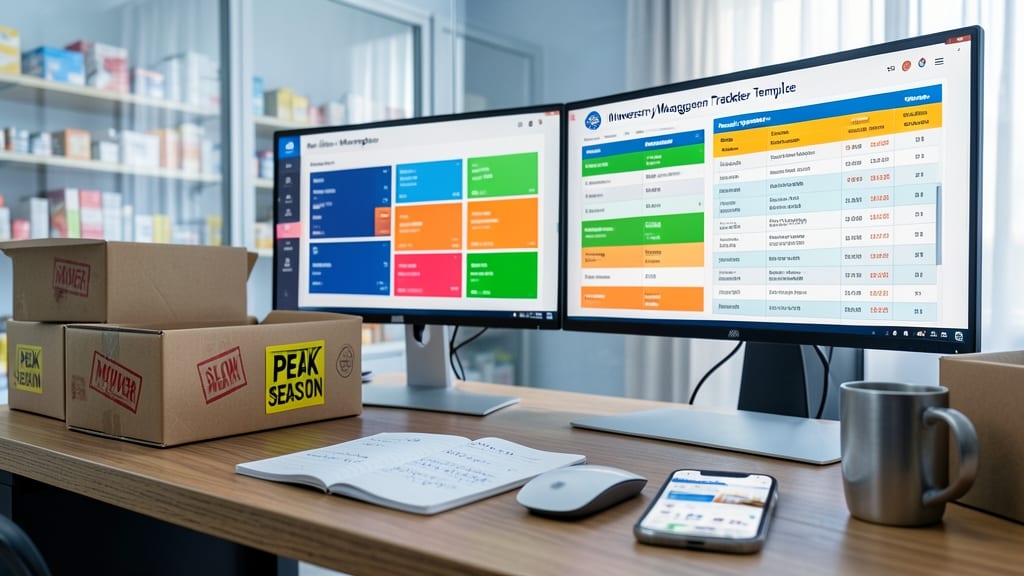
Overstocked on slow-moving inventory? Under-supplied during peak seasons? The Inventory Management Tracker Template solves both problems with a real-time dashboard that tracks stock levels, reorder points, and supplier details—all in one place. No more guessing when to restock or scrambling to find lost SKUs.
This template includes automated low-stock alerts, barcode integration fields, and supplier performance tracking to identify delays before they disrupt sales. The color-coded status system (green for stocked, yellow for reorder, red for out) makes inventory health visible at a glance, while the cost-per-unit calculator helps optimize pricing. Compatible with Excel 2016 and later, it’s ready to customize with your product catalog in minutes.
Perfect for retail stores, e-commerce sellers, and wholesalers managing 50–500 SKUs, this template cuts waste by up to 30% while keeping your shelves stocked—without the complexity of pricey inventory software. 💪
Client Project Tracker Template
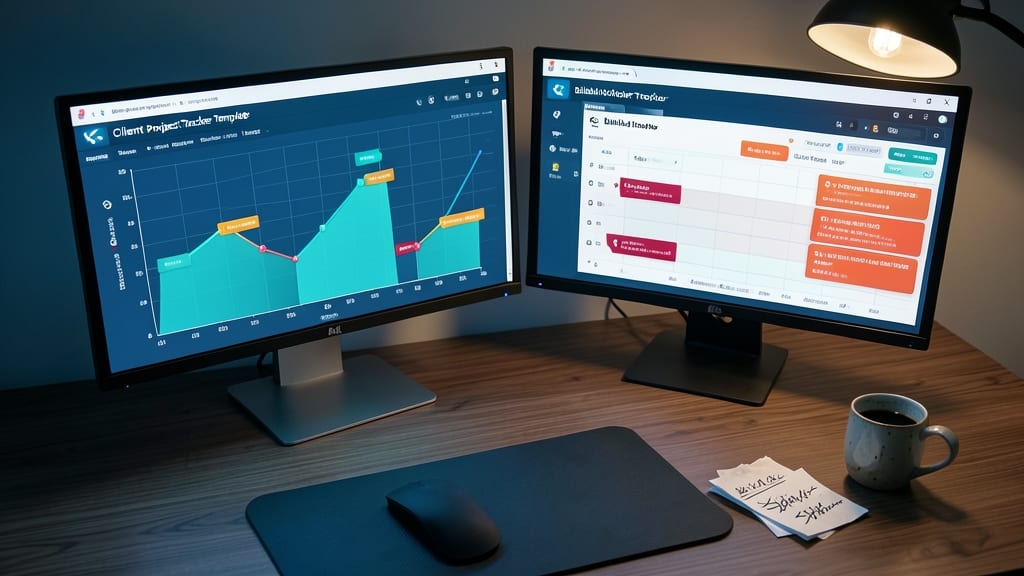
Missed deadlines and last-minute client panic? The Client Project Tracker Template is your lifeline—designed to keep freelancers and agencies organized with color-coded milestones, billable hour tracking, and automated reminders for key deliverables.
This template includes a Gantt-style timeline for visual progress tracking, client-specific dashboards to separate projects, and time-tracking logs that sync with payroll tools like TSheets. The built-in risk assessment section flags potential delays before they become crises, while customizable status tags (e.g., "On Track," "At Risk") keep stakeholders informed.
Perfect for freelancers juggling multiple clients or small agencies with tight deadlines, this template turns chaos into clarity—so you can focus on work, not spreadsheets. 💻
Sales Pipeline Dashboard Template
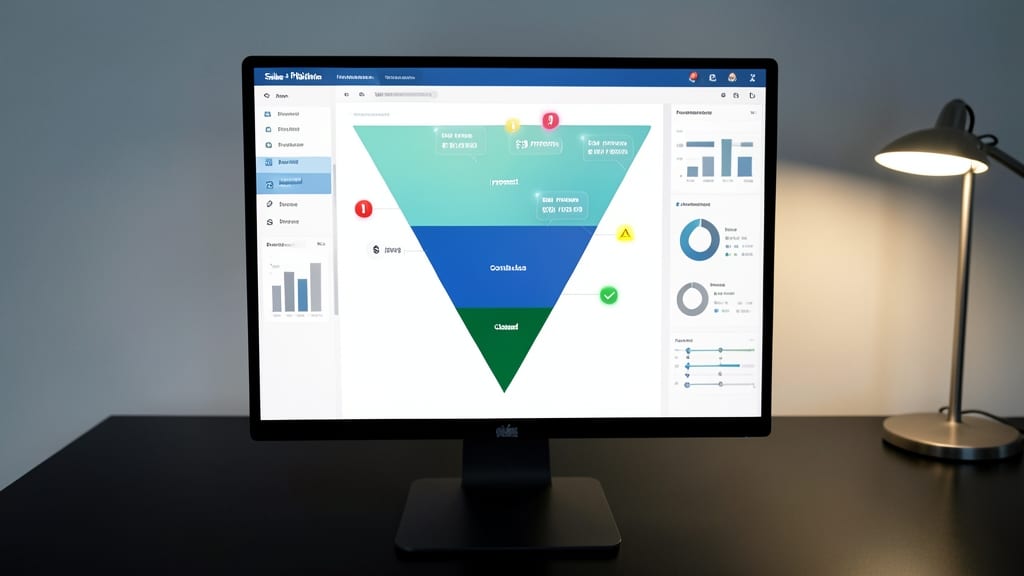
Turn raw leads into closed deals faster with this Sales Pipeline Dashboard Template, designed to replace manual spreadsheets and guesswork. It’s packed with a visual funnel chart showing lead stages (prospect → contact → closed), plus revenue projections and deal priority flags—so you can focus on high-value opportunities without CRM complexity.
The template includes customizable stages, color-coded statuses, and automatic revenue calculations based on deal values. Simply input your leads, and it highlights bottlenecks—like stalled opportunities or overdue follow-ups—so your team stays proactive. Best of all, it’s Excel-compatible and works on both Windows and Mac.
Perfect for solopreneurs, startup sales teams, or small agencies managing 10–50 deals at a time. No steep learning curve—just plug in your data and watch your pipeline clarity improve instantly. 💪
Employee Time Tracking Sheet Template
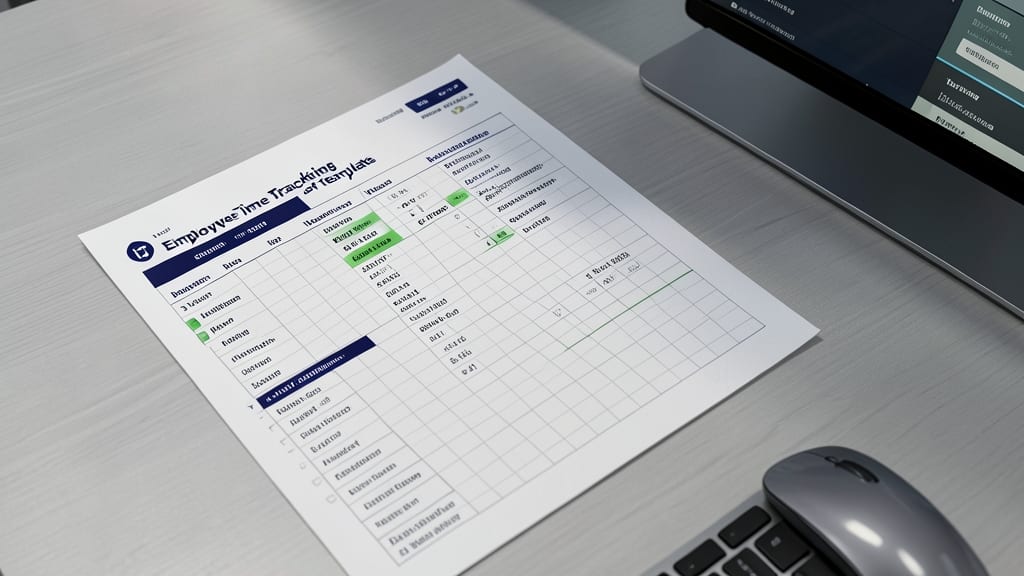
Say goodbye to manual timesheets and payroll headaches with this Employee Time Tracking Sheet Template, designed to streamline compliance and save hours each month. Built with automated overtime calculations and leave balance tracking, it ensures accuracy while reducing errors—perfect for teams of 1-10 employees.
The template includes pre-built formulas for labor law compliance (like FLSA regulations) and integrates seamlessly with free apps like TSheets for automatic syncing. Customizable fields let you add project codes, job roles, or even meal breaks, while the color-coded overtime alerts highlight potential payroll issues before they escalate.
Ideal for small business owners, HR managers, and freelance teams, this template cuts payroll prep time by 60%—so you can focus on growth instead of spreadsheets. ⚡
Expense Reimbursement Form Template
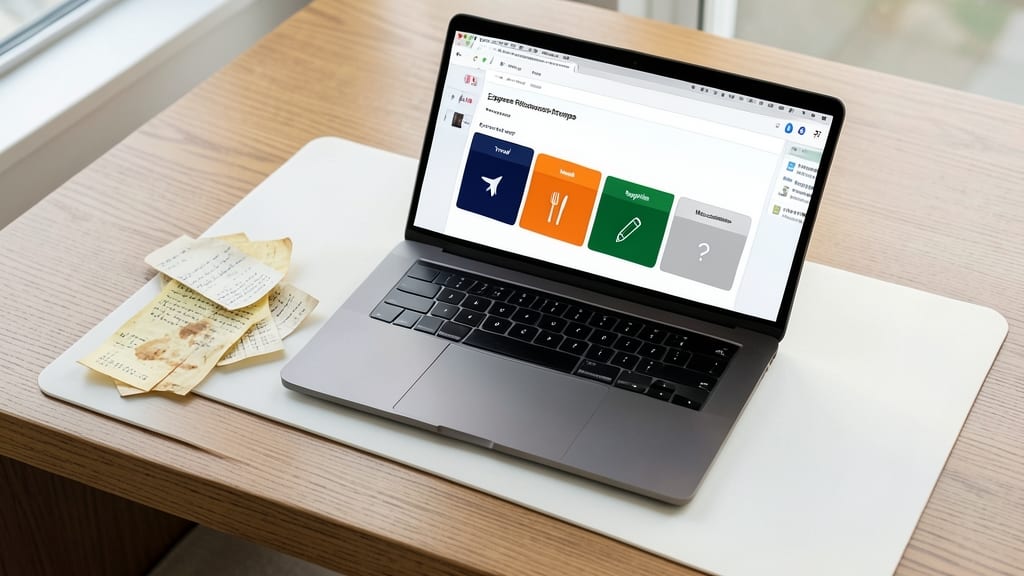
Say goodbye to stacks of handwritten receipts and endless approval emails. This Expense Reimbursement Form Template organizes every expense into clear categories—travel, meals, supplies, and miscellaneous—so you can track spending with precision and minimize errors.
The template includes pre-built formulas for automatic subtotals, receipt attachment fields, and a multi-level approval workflow (manager + finance) to speed up processing. Compatible with Excel 2013 and later, it also offers a Google Sheets version for cloud-based teams.
Perfect for startups, remote teams, or any business with employee expenses—this template cuts processing time by 60% while keeping records audit-ready. ⚡
Social Media Content Calendar Template

If posting consistently feels like juggling flaming torches, this Social Media Content Calendar Template is your lifeline. Designed for solopreneurs and small teams, it consolidates scheduling, deadlines, and engagement tracking into one Excel-based system—no expensive tools required.
Key features include platform-specific columns (Instagram, LinkedIn, Twitter) with built-in deadlines, content status trackers, and engagement metrics (likes, shares, comments) to measure what’s working. The drag-and-drop timeline lets you rearrange posts in seconds, while color-coded priority flags ensure high-impact content never slips through the cracks. Best of all, it’s fully customizable for seasonal campaigns or multi-channel strategies.
Perfect for freelancers, coaches, or startups managing social media solo—this template turns chaotic posting into a structured, data-driven process. Download it, plug in your brand’s voice, and watch your online presence grow without the guesswork. ✨
Break-Even Analysis Calculator Template

Struggling to prove your business idea’s viability to investors or customers? The Break-Even Analysis Calculator Template lets you crunch the numbers in minutes—no finance degree required. Simply input your fixed costs, variable costs per unit, and selling price, and it instantly calculates the exact sales volume needed to turn a profit.
This template goes beyond basic math with visual break-even charts, sensitivity analysis tools, and pre-built formulas for gross margin calculations. Whether you’re testing a new product line or adjusting pricing, you’ll see how small changes impact profitability—helping you make data-driven decisions faster. The Excel-compatible design works on both Windows and Mac, and includes step-by-step instructions for customization.
Perfect for startups pitching investors, e-commerce sellers optimizing pricing, or manufacturers planning production runs, this template turns guesswork into clarity. ⚡
Client Invoice Generator Template
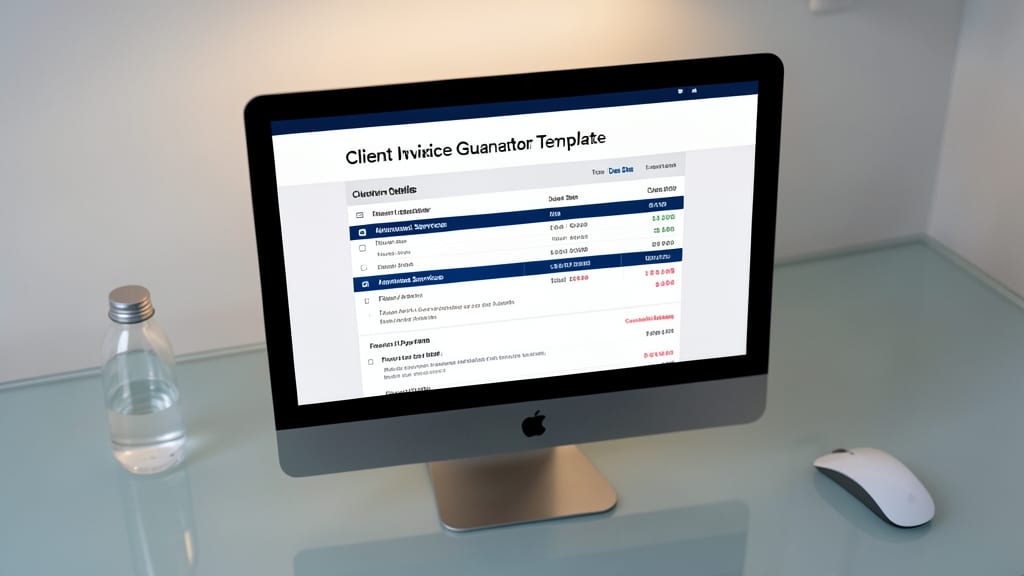
Tired of scrambling to create invoices that look professional and include every financial detail? This Client Invoice Generator Template lets you generate polished, accurate invoices in minutes—no design skills required.
Built with automated tax calculations, customizable late fees, and flexible payment terms, it handles everything from service-based businesses to product sales. The pre-formatted sections include client details, itemized services/products, discounts, and even tracking for partial payments. Simply plug in your numbers, add your logo, and hit print—your clients will never know it wasn’t custom-built.
Perfect for freelancers, consultants, and small retailers who need invoices that save time while maintaining a polished brand image. 💻
Goal Setting and Progress Tracker Template
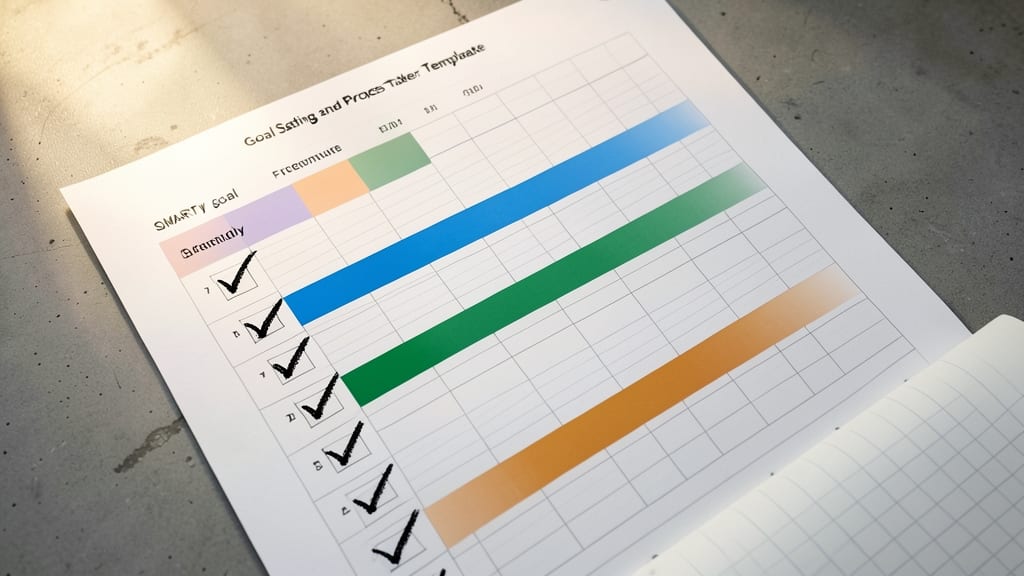
If you’re the type of entrepreneur who loves checking off milestones but struggles to keep both business and personal goals in sync, this Goal Setting and Progress Tracker Template is your secret weapon. Designed for quarterly planning, it merges SMART goal frameworks with visual progress bars and KPI tracking—so you can see exactly where you’re winning (and where to double down).
The template includes pre-built sections for business objectives (like revenue targets or client acquisition) alongside personal goals (health, learning, or work-life balance). Color-coded progress bars update automatically as you input data, and the quarterly milestone tracker ensures you stay on course without drowning in spreadsheets. Compatible with Excel 2016 and later, it’s ready to customize with your own metrics in minutes.
Perfect for solopreneurs, freelancers, or small business owners who want to visualize success—not just track it. Download it, set your first goal, and watch motivation turn into measurable progress. ✨