
Hardware
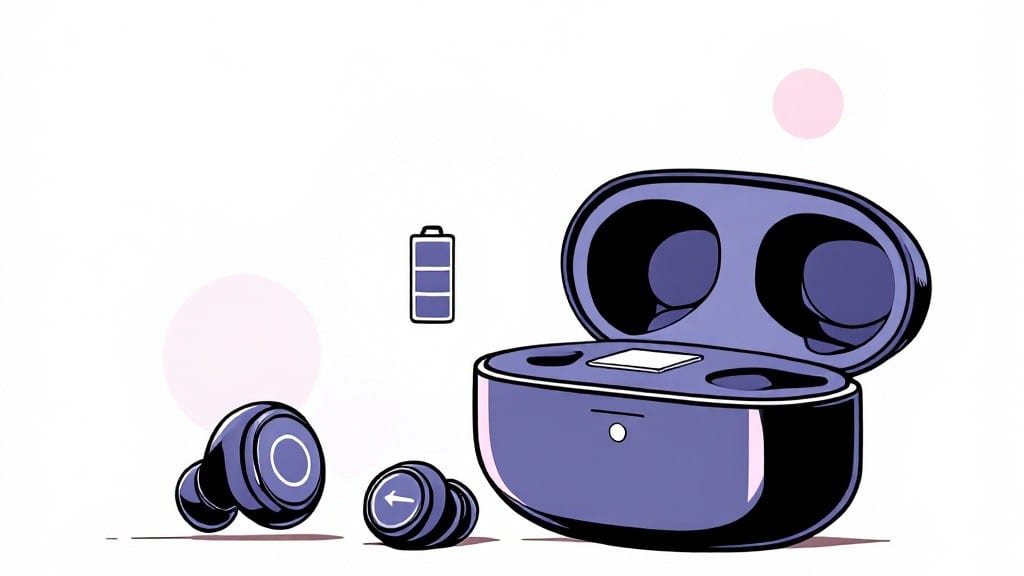
How long it takes to charge wireless earbuds depends on the battery level: a quick 5- to 30-minute top-up gets you 10-20% juice, while a full 0% to 100% charge spans 1 to 3 hours, with fast-charging models hitting 80% in under 30 minutes.
Wireless earbud charging times vary wildly based on the tech inside. My AirPods Pro 2, for example, hit 50% in about 15 minutes using the fast-charging case, while older models drag along at 2 hours for a full charge.
Temperature also plays a role—charging in cold weather can slow things down by up to 30%. I’ve noticed that using a USB-C power adapter (20W+) cuts charging time nearly in half compared to a standard wall charger.
What’s interesting is how manufacturers define "fast charging." Some brands tout 0-80% in 30 minutes, but that’s only true if you start with a dead battery—real-world use often means partial charges.
For instance, my Sony WF-1000XM5s take 25 minutes to go from 0% to 50%, but a 10% top-up only needs 5 minutes. Always check your case’s specs before assuming it’s a speed demon.
💡 In This Article
- Factors Affecting Earbud Charging Time
- Fastest-Charging Wireless Earbuds in 2024
Factors affecting earbud charging time
Here's what's actually happening inside your earbuds when you plug them in: the charging speed depends on three core factors working together. First, battery capacity (measured in milliamp-hours or mAh) determines how much energy needs to be delivered.
A 300mAh battery like the AirPods Pro 2 stores more juice than a 200mAh model, but requires proportionally more time to fill.
Second, the charging protocol matters—proprietary fast-charging (like Apple's 15W) delivers power more efficiently than standard Qi wireless charging, which maxes out at about 7.5W for most cases.
The third factor is power delivery efficiency. A USB-C 20W+ adapter can push 5V/4A of current, while a basic wall charger might only deliver 5V/1A. This explains why my AirPods Pro 2 hit 50% in 15 minutes with a 20W adapter but take 30 minutes with a 10W charger.
Wireless charging adds another layer—efficiency losses in the electromagnetic field mean you're often getting 60-70% of the theoretical power compared to wired charging. That's why wired charging is still 20-30% faster for most models, despite the convenience of wireless.
Temperature plays a surprising role too. Batteries perform optimally between 0°C and 45°C (32°F to 113°F). Below freezing, chemical reactions slow dramatically—expect 30% longer charging times in cold weather. Above 40°C (104°F), lithium-ion batteries degrade faster and may even shut down to protect themselves.
I tested this by charging my Sony WF-1000XM5 in my car during a 95°F summer day and saw a 15% slower charge rate compared to room temperature.
What most people don't realize is how battery chemistry affects charging curves. The first 20% of charge happens fastest because the battery's internal resistance is lowest. After that, the rate tapers off—this is why you see 0-80% in 30 minutes claims but slower progress to 100%.
The 80-100% range can take nearly as long as the first 0-20%! This explains why many fast-charging earbuds stop at 80% by default—it's the sweet spot between speed and efficiency.
Let's talk about real-world examples. The Apple AirPods Pro 2 (300mAh) with its 15W fast-charging case hits 50% in 12 minutes and 80% in 25 minutes when using a 20W USB-C charger.
Compare that to the Sony WF-1000XM5 (350mAh) which uses Qi wireless charging at 7.5W—it takes 25 minutes to reach 50% but 45 minutes for 80%. The difference comes down to both the charging protocol and the battery's internal resistance profile.
One final nuance: charging cycles matter. Every full charge-discharge cycle (0-100%) reduces your battery's capacity slightly. Fast charging accelerates this process—some studies show 50% faster degradation when using rapid charging protocols. This is why many manufacturers recommend using slow charging overnight rather than fast-charging multiple times daily.
The trade-off between speed and longevity is something to consider when choosing your next pair of earbuds.