
Microsoft Office

Mastering Microsoft Access can transform how you manage data, but quality training often comes with a price tag. These ten completely free online courses cover everything from beginner basics to advanced database design—helping you build skills without breaking the bank.
Microsoft Access Beginner Tutorial for Absolute Beginners
Stuck staring at Microsoft Access’s blank database screen, wondering where to start? This absolute beginner tutorial skips the jargon and teaches you to build real databases from day one—no prior experience needed.
You’ll master the three pillars of Access: creating tables (the foundation), crafting queries (to pull insights), and designing forms (for user-friendly input). The course uses hands-on exercises like building a simple inventory tracker or event planner, so you see immediate results. Each lesson includes downloadable practice files to follow along.
Perfect for small business owners, students, or anyone tired of messy spreadsheets. Whether you’re tracking volunteer hours or organizing a school project, this zero-pressure tutorial gets you comfortable with Access’s interface and logic in just a few hours. ✨
LinkedIn Learning Free Access Course: Database Fundamentals

Stuck in spreadsheet purgatory? LinkedIn Learning’s free Database Fundamentals course bridges the gap between Excel and relational databases—teaching principles that directly apply to Microsoft Access.
You’ll learn normalization techniques, relationships between tables, and query optimization from instructors with real-world experience. The course includes downloadable exercises that mirror Access’s interface, so you’re not just memorizing theory—you’re applying it. Best of all, it’s 100% free through LinkedIn’s free trial period.
Perfect for accountants, small business owners, or analysts tired of manual data entry, this course turns spreadsheet veterans into database designers. 💻
GCFGlobal Free Microsoft Access Tutorial Series
If you’ve ever felt intimidated by Microsoft Access’s jargon or complex interface, GCFGlobal’s free tutorial series is your gateway to confidence. Backed by a nonprofit with decades of adult education experience, this resource prioritizes clarity over complexity, ensuring even complete beginners can follow along.
The series includes 10+ structured video lessons covering tables, relationships, queries, and reports—all explained with real-world examples like inventory tracking or event planning. What sets it apart is the accessibility focus: closed captions, adjustable text sizes, and simple language make it ideal for learners with disabilities or non-technical backgrounds. Each lesson includes downloadable practice files to reinforce skills.
This is perfect for small business owners, nonprofits, or anyone who needs a simple database solution but lacks coding experience. The nonprofit’s mission ensures the content remains permanently free, with no ads or upsells. ✨
YouTube Crash Course: Microsoft Access in One Hour
If you’ve ever struggled to find time for traditional training but still need to grasp Microsoft Access fundamentals fast, this one-hour YouTube crash course delivers results without the fluff. Unlike lengthy tutorials, it packs tables, queries, and forms into bite-sized, screen-recorded demonstrations—showing you exactly how to build a functional database from scratch.
The course skips theory to focus on real-world workflows, like creating a customer database with relationships or generating reports in minutes. You’ll see live demonstrations of key tools (e.g., query design, filters, and macros) with clear voiceovers explaining each step. The fast-paced format ensures you retain actionable skills, not just concepts.
Perfect for busy professionals or students who need a quick confidence boost, this course is ideal when you’re short on time but still want to build a working Access project by the end. ✨
Coursera Free Access Course: Relational Databases
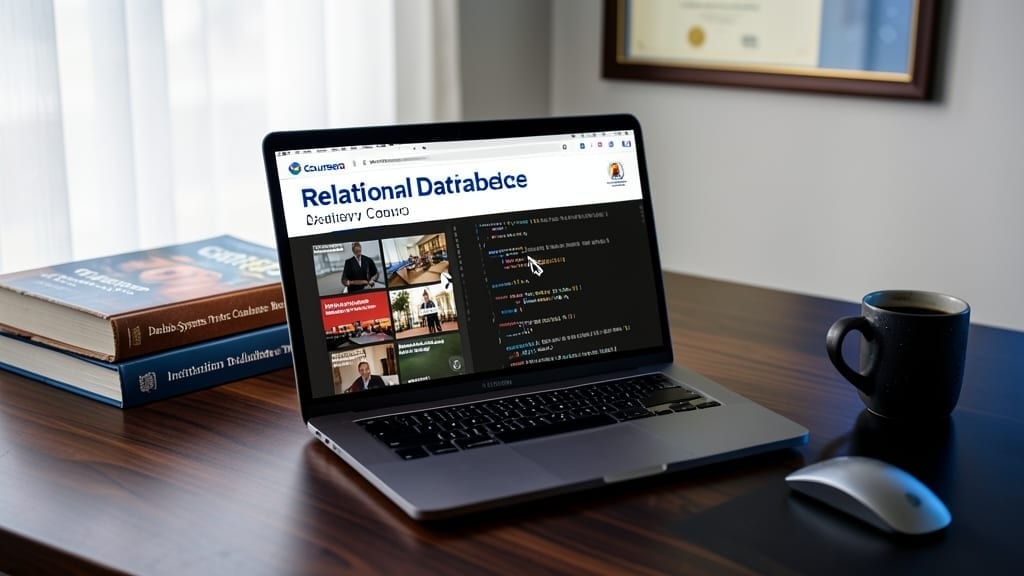
Need academic credibility for your Microsoft Access skills? Coursera’s free "Relational Databases" course bridges the gap between theory and practice, featuring lectures from top universities like University of Colorado and University of Michigan. This isn’t just another hands-on tutorial—it’s a deep dive into relational database theory, with Access as the practical application.
The course covers normalization principles, SQL fundamentals, and how Access implements these concepts in its interface. You’ll explore table relationships, query optimization, and even database design best practices—skills that translate directly to real-world projects. The flexible schedule and peer-graded assignments make it ideal for learners who want structured learning without strict deadlines.
Perfect for students pursuing computer science degrees, career changers targeting data roles, or professionals needing to justify their Access expertise with academic rigor. 💡
Microsoft Official Access Training: Free Guided Labs
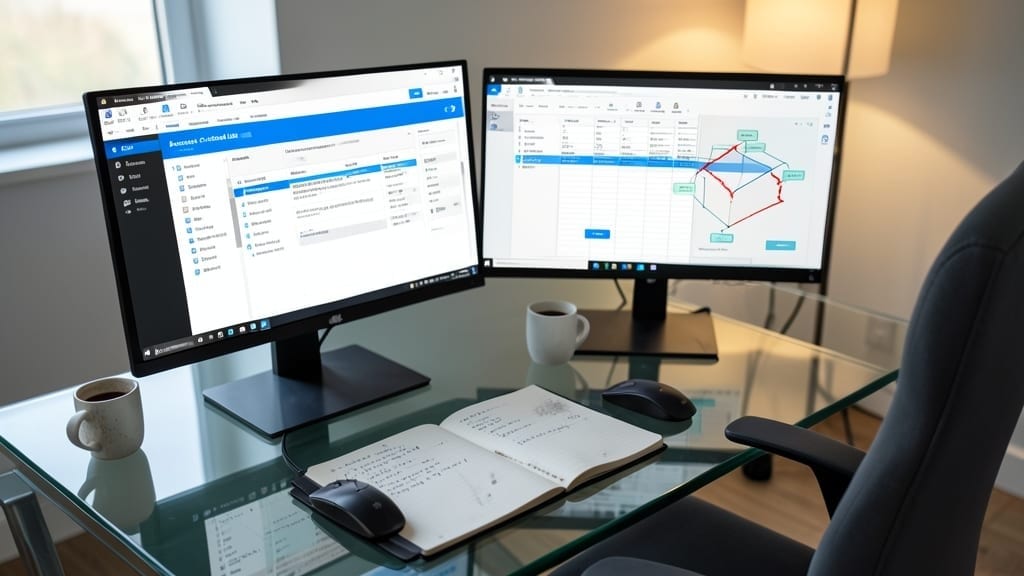
Tired of watching tutorials without actually doing anything? Microsoft’s Free Guided Labs for Access let you jump straight into hands-on practice with real database tasks—no setup hassles. These labs run in a sandbox environment, so you can experiment freely, break things, and learn from mistakes without risking your files.
Each lab includes step-by-step instructions, instant feedback on your work, and covers core Access skills like creating tables, writing queries, and designing reports. The platform tracks your progress automatically, so you can pick up where you left off. Best of all, it’s 100% free and backed by Microsoft’s official training team, ensuring you’re learning the same tools professionals use.
Perfect for self-starters who thrive on doing over watching, these labs are especially great for small business owners or data analysts who need to apply Access skills immediately. 💻
Udemy Free Access Course: Advanced Queries and Macros
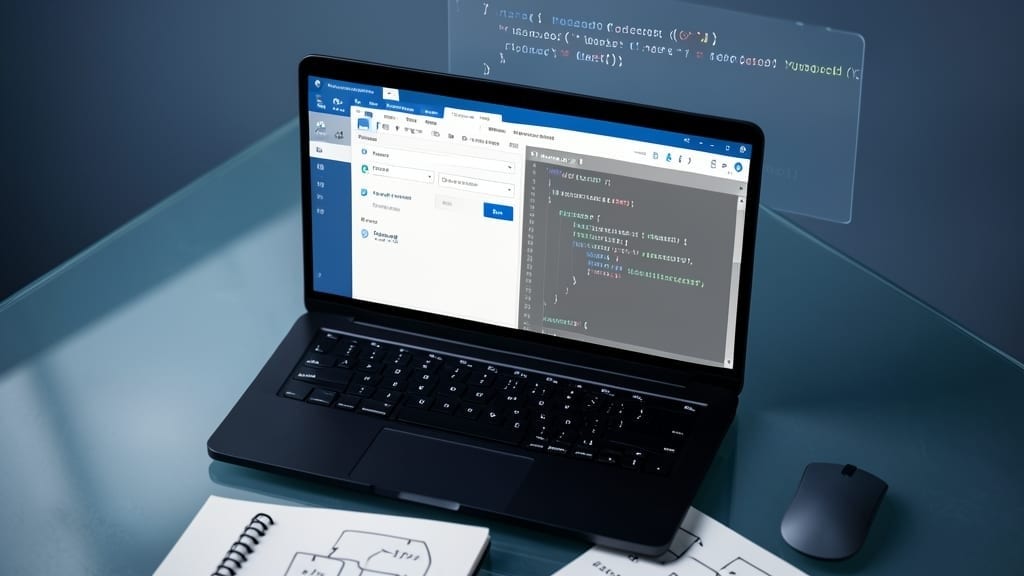
Ready to take your Microsoft Access skills beyond the basics? This Udemy free course on Advanced Queries and Macros is designed specifically for intermediate users who want to automate repetitive tasks and boost efficiency.
You’ll master parameter queries to create dynamic reports, build event-driven macros for seamless workflows, and even explore VBA fundamentals to customize Access like a pro. The course includes real-world examples like inventory tracking and customer relationship management systems, ensuring you learn practical, job-ready skills.
Perfect for small business owners, data analysts, or anyone tired of manual data entry—this course turns tedious tasks into automated processes. ✨
Access World Forum Free Webinars: Real-World Projects
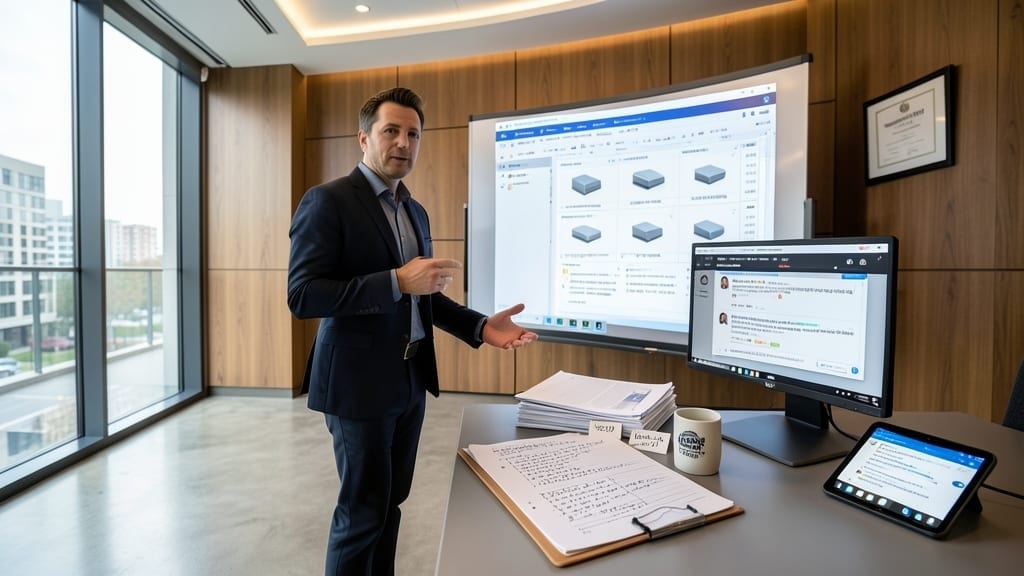
Tired of generic tutorials that don’t show how Access works in real jobs? The Access World Forum offers free webinars where professionals demonstrate live projects—like inventory systems or client databases—while sharing their exact workflows and challenges.
Each session includes downloadable project files so you can practice alongside them, solving the same problems they faced. Topics range from custom forms for field teams to automated reports for small businesses, all taught by experts who’ve used Access in actual roles. The community Q&A lets you ask specific questions about your own projects.
Perfect for job seekers or freelancers who need to prove they can build functional databases from day one. 💻
Khan Academy Free Database Concepts for Access Users
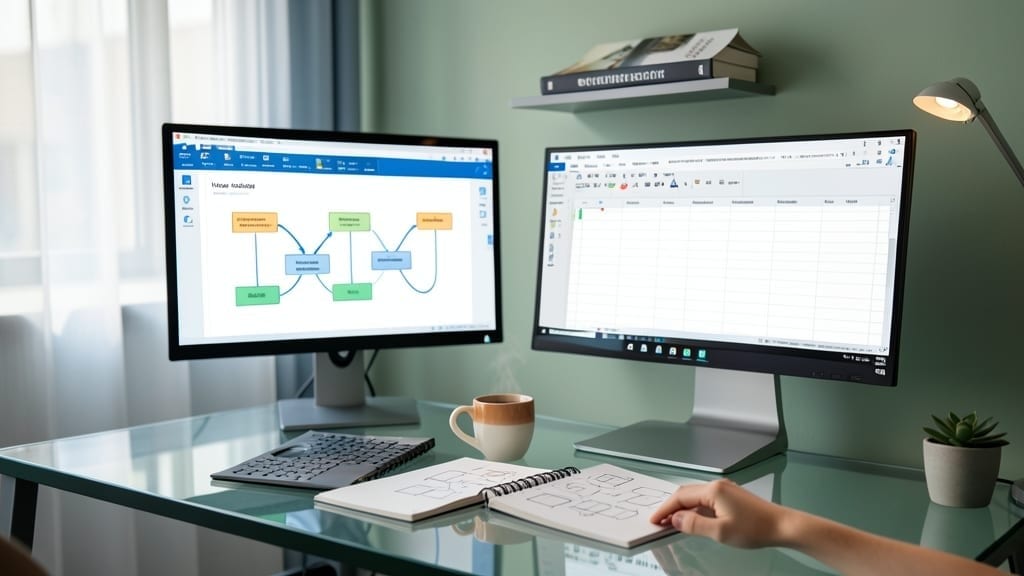
Stuck on database theory before even opening Microsoft Access? Khan Academy’s free database concepts course bridges that gap with engaging, visual explanations tailored to visual learners like you.
You’ll explore relational database fundamentals through interactive diagrams—like how tables link via keys—and learn normalization principles that directly apply to Access design. The lessons break down abstract concepts (like SQL basics) into 10-minute chunks, perfect for busy schedules.
This is ideal for self-taught learners who want to grasp why Access behaves certain ways before jumping into tools—no prior experience required. ✨
Microsoft Access Forum Free Tutorial Threads

Stuck on a stubborn Microsoft Access error that no tutorial can fix? The Microsoft Access Forum’s free tutorial threads are your secret weapon—packed with real-world solutions from experts who’ve debugged the same issues you’re facing.
Unlike structured courses, these discussions dive into niche problems like corrupt database recovery, custom VBA workarounds, or integrating Access with Power Automate. Search for topics like "#Troubleshooting" or "#AdvancedQueries" to find step-by-step fixes verified by the community. The forum’s search function even surfaces older threads with resolved issues, saving you hours of trial-and-error.
Perfect for intermediate users or professionals troubleshooting workplace databases, this resource turns frustrating roadblocks into quick wins. 💡