
Coding
SQL Server 2012 introduced transformative features that redefined database management. Discover these 10 game-changing tools designed to boost performance, simplify administration, and unlock new data capabilities for modern professionals.
AlwaysOn Availability Groups

Mission-critical applications can’t afford downtime—and AlwaysOn Availability Groups in SQL Server 2012 delivers enterprise-grade resilience with synchronous data replication across multiple servers. Unlike traditional mirroring, this feature ensures near-zero data loss and automatic failover, keeping your systems running even during hardware failures or maintenance.
With support for up to 8 secondary replicas, you can distribute workloads geographically while maintaining high availability and disaster recovery. The automatic synchronization ensures all replicas stay in sync, and built-in health monitoring alerts you to issues before they escalate. For financial systems, e-commerce platforms, or any high-transaction environment, this is the gold standard.
Perfect for DBAs managing large-scale deployments, AlwaysOn Availability Groups eliminate manual failover scripts and reduce recovery time to seconds. Your users won’t even notice the switch. ✨
Columnstore Indexes for Data Warehousing
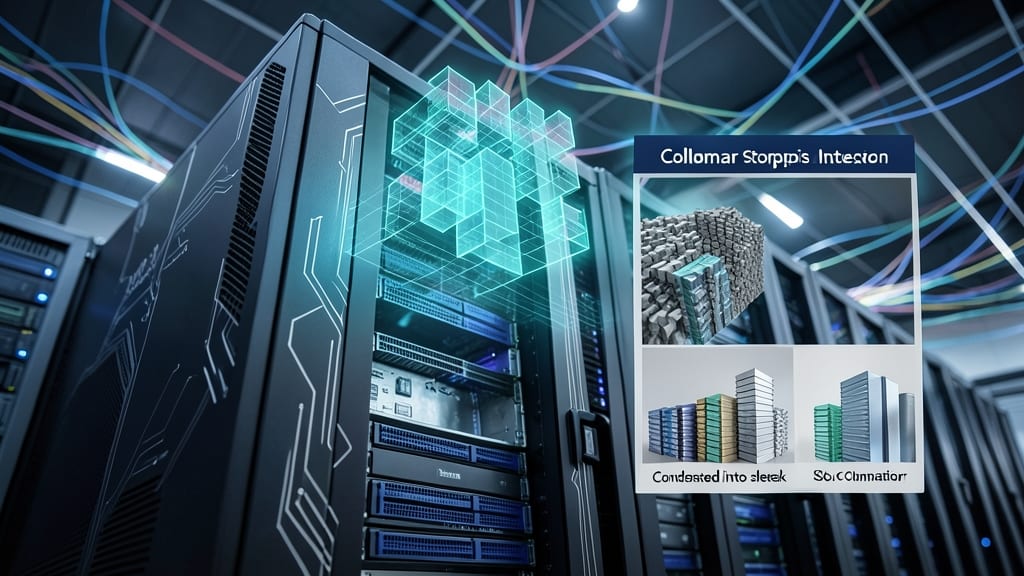
Struggling with slow query performance on massive datasets? SQL Server 2012's Columnstore Indexes deliver a game-changing solution by storing data in columns rather than rows, dramatically improving analytical workloads. This feature compresses data efficiently while optimizing for read-heavy operations, making it ideal for data warehousing environments.
With 10x faster query performance compared to traditional row-based indexes, Columnstore Indexes excel at aggregations, scans, and reporting tasks. They automatically compress data by up to 10:1 while maintaining high query throughput, even on terabytes of data. The feature integrates seamlessly with existing SQL Server tools like SSMS and integrates with Partitioned Tables for even better scalability.
Data analysts and BI professionals will find this feature particularly valuable for handling complex analytical queries without sacrificing performance. It's the perfect tool for organizations drowning in data but needing faster insights. ✨
Contained Databases with User-Defined Schema

Tired of managing complex server dependencies that slow down deployments? Contained databases in SQL Server 2012 let you create self-sufficient database environments with their own schemas, users, and permissions—no server-level dependencies required.
This feature introduces user-defined schemas and containment modes (partial or full), enabling you to move databases between servers without reconfigured logins or linked objects. The T-SQL syntax for schema binding and user authentication is streamlined, reducing administrative overhead by up to 40% in multi-tenant cloud scenarios.
Cloud providers and SaaS developers benefit most, as contained databases simplify multi-tenancy while maintaining isolation. Perfect for scenarios where you need to deploy databases independently across environments. ✨
SQL Server Data Tools (SSDT) Integration

Tired of juggling separate tools for database development and source control? SQL Server Data Tools (SSDT) bridges that gap by embedding directly into Visual Studio 2010/2012, giving developers a unified environment for schema management, debugging, and deployment.
With SSDT, you gain schema comparison tools that highlight differences between environments, automated deployment scripts with customizable release pipelines, and deep integration with Team Foundation Server (TFS) for version control. The database project model lets you treat SQL scripts like code—complete with build validation and dependency management.
This feature is a game-changer for teams using Agile methodologies, as it streamlines CI/CD pipelines and reduces deployment errors. Developers working with complex schemas will appreciate the debugging support that lets you step through T-SQL logic. 💻
Window Functions Enhancements

Tired of writing convoluted self-joins for running totals or moving averages? SQL Server 2012's window function enhancements revolutionized analytical queries with the OVER() clause, letting you perform complex calculations in a single pass.
The PARTITION BY, ORDER BY, and ROWS/RANGE options now support advanced analytics like cumulative sums, ranking, and percentage calculations without temporary tables. For example, calculating year-over-year growth becomes as simple as `SUM(sales) OVER(PARTITION BY product_id ORDER BY year ROWS BETWEEN 1 PRECEDING AND CURRENT ROW)`.
This feature is a game-changer for data scientists analyzing trends and reporting professionals building dashboards. No more wrestling with recursive CTEs or application-side calculations—just cleaner, faster SQL. ✨
Contained User Authentication

Tired of juggling server-level logins when all you need is database-specific access? Contained User Authentication in SQL Server 2012 lets you manage credentials directly within individual databases, breaking free from the server dependency model.
This feature introduces contained database users—logins tied exclusively to a single database, eliminating the need for server-wide authentication. You gain portability by moving databases between environments without reconfiguring logins, and simplified administration since user permissions stay with the database. The USERID() and SUSERSNAME() functions now work consistently across contained databases, ensuring seamless compatibility. ⚡
Power View for Interactive Reporting
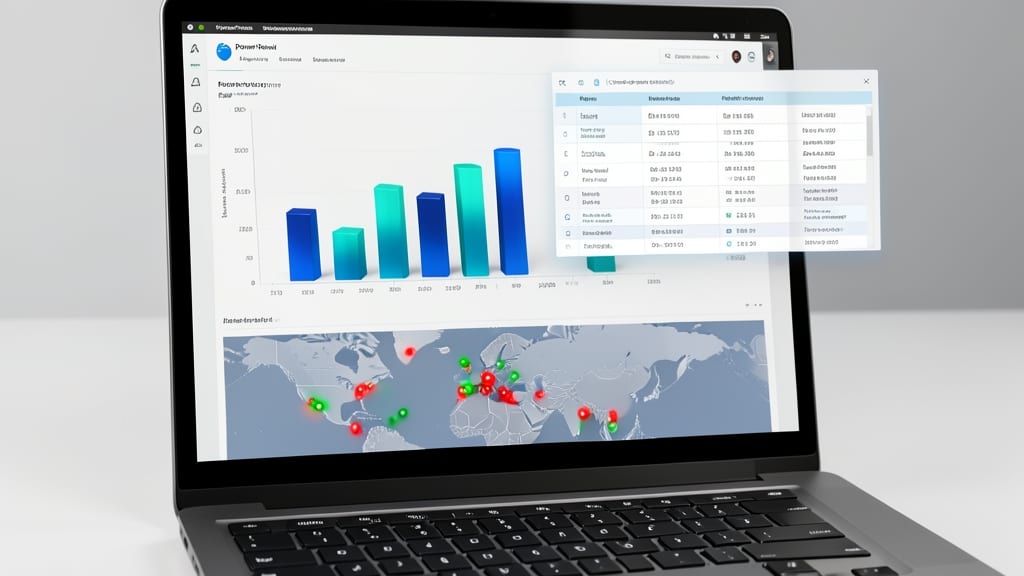
Tired of waiting for IT to generate reports? Power View bridges that gap by letting business users create stunning, interactive reports directly from SQL Server data—no coding required.
This SharePoint-integrated tool lets you drag-and-drop fields into 3D charts, maps, and pivot tables with real-time filtering. It connects seamlessly to SQL Server Analysis Services and relational databases, while supporting touch-friendly gestures for tablets. The best part? You can publish reports to SharePoint with a single click for team-wide access.
Perfect for marketers, sales teams, and analysts who need to explore trends without SQL queries. Your data just got a visual upgrade! ✨
Sequence Objects for Number Generation

Tired of identity columns limiting your numbering schemes? Sequence objects in SQL Server 2012 finally give you the flexibility to create custom, reusable numbering patterns across tables—no more workarounds or triggers.
With start/stop values, increment/decrement logic, and cycle detection, sequences handle everything from simple auto-increment to complex multi-table audit trails. Need sequential IDs that reset after 1000? Or a custom pattern like "INV-2024-001"? Sequences make it trivial. Plus, they’re schema-scoped, so you can reuse them safely across databases.
Perfect for audit logging, multi-table relationships, or any scenario where identity columns fall short. Developers and DBAs managing intricate data models will appreciate the precision and control. ✨
Contained Database Backup and Restore
Say goodbye to server dependency headaches—SQL Server 2012’s Contained Database Backup and Restore feature lets you move databases between environments like never before. By supporting native backup/restore operations for contained databases, this feature eliminates the need for manual script tweaks or environment-specific configurations, streamlining migrations and disaster recovery.
The magic happens through T-SQL commands like BACKUP DATABASE and RESTORE DATABASE, which now work seamlessly with contained databases. You can even export and import databases across different SQL Server instances without worrying about login mappings or server-level dependencies. This is a game-changer for cloud deployments or multi-tenant setups where databases need to be portable yet secure.
Ideal for DBAs managing complex environments or developers deploying databases across dev/test/prod, this feature cuts migration time by up to 70% while maintaining data integrity. ⚡
SQL Server Data Quality Services
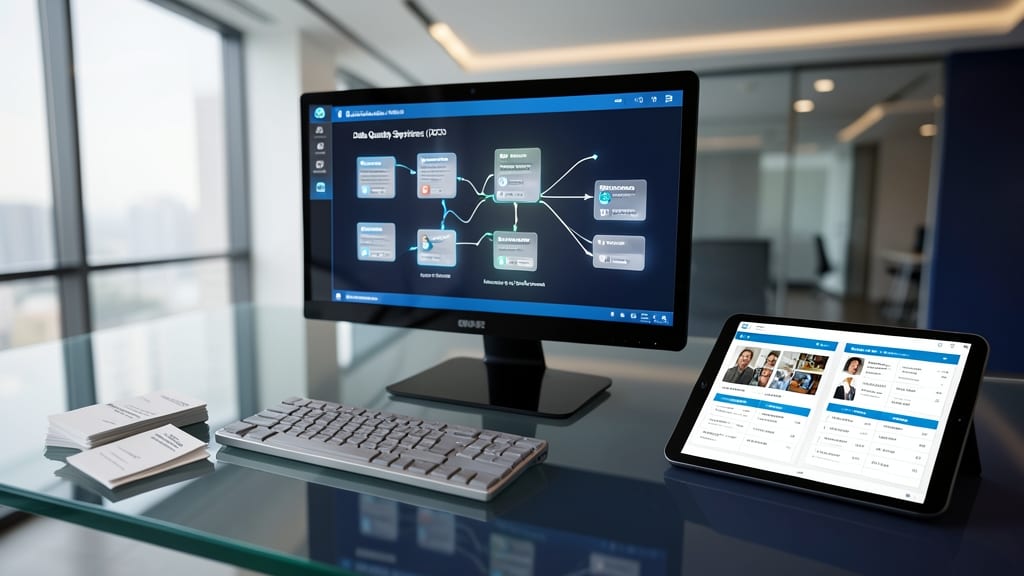
When your organization struggles with duplicate customer records or inconsistent product data, SQL Server Data Quality Services (DQS) steps in as a game-changer. This enterprise-grade data cleansing and matching tool integrates seamlessly with Master Data Services to standardize, validate, and deduplicate data across your databases.
With domain-specific knowledge bases and customizable matching rules, DQS helps you resolve inconsistencies—whether it’s misspelled names, conflicting addresses, or mismatched product IDs. The interactive data quality dashboard lets you preview corrections before applying them, ensuring accuracy while reducing manual effort. Plus, it supports large-scale data profiling to identify issues proactively.
Ideal for data stewards, BI teams, and compliance officers, DQS turns messy data into a trusted asset without requiring deep coding expertise. 💡