
Operating System
Struggling to stay organized across devices? These 10 free OneNote planner templates for 2023 transform your digital notebook into a powerful productivity hub, whether you're using Windows, Mac, or mobile. Perfect for students, professionals, and busy parents alike.
Minimalist Daily Planner Template
Tired of cluttered planners that slow you down? The Minimalist Daily Planner Template strips away distractions with a zero-frills design—just time blocks, task lists, and a single focus: getting things done. This template uses a clean white background with black text for maximum readability, while subtle blue accent lines separate sections without overwhelming your workflow.
Built for professionals who thrive on simplicity, it includes hourly time slots from 7 AM to 7 PM, a dedicated notes section, and priority flags to highlight urgent tasks. The lightweight layout ensures quick scanning, and it syncs seamlessly across OneNote for Windows, Mac, and mobile—so your schedule stays consistent no matter where you work. No fluff, just function.
Perfect for executives, freelancers, or anyone drowning in digital noise, this template helps you focus on what matters while keeping your day organized. ⚡
Weekly Goal Tracker Template
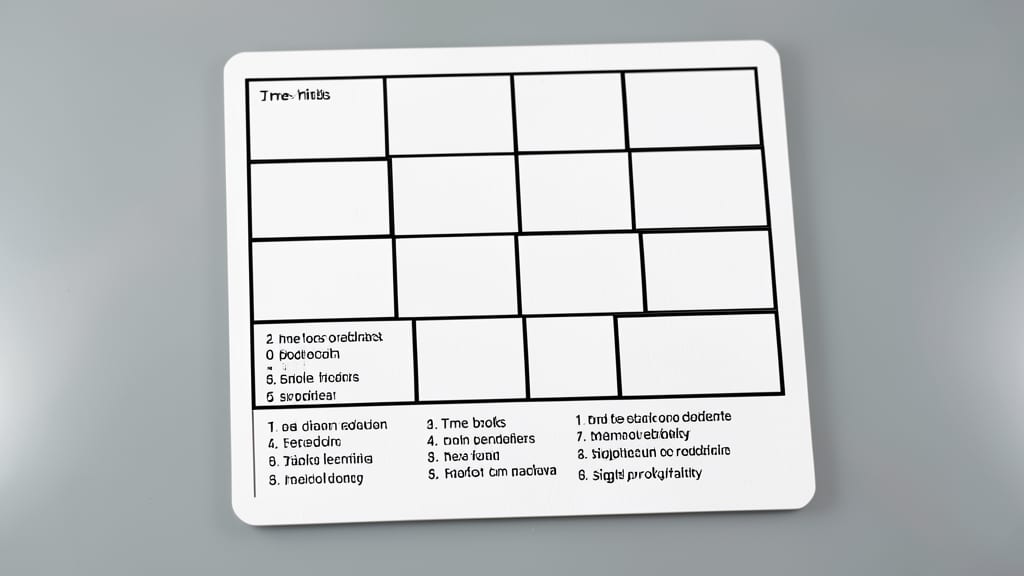
Tired of vague to-do lists that leave you guessing what truly matters? This Weekly Goal Tracker Template flips the script by forcing you to define SMART goals (Specific, Measurable, Achievable, Relevant, Time-bound) with built-in progress tracking.
Each goal gets its own section with a visual progress bar (0-100%) and priority flags (high/medium/low) so you can instantly spot what demands attention. The template includes weekly review prompts to assess what worked and what didn’t, plus to break big projects into manageable steps.
Ideal for managers juggling team objectives or entrepreneurs tracking business milestones, this template turns abstract goals into actionable weekly sprints. Sync it across devices to stay aligned whether you're in meetings or on the go. ✨
Student Academic Planner Template
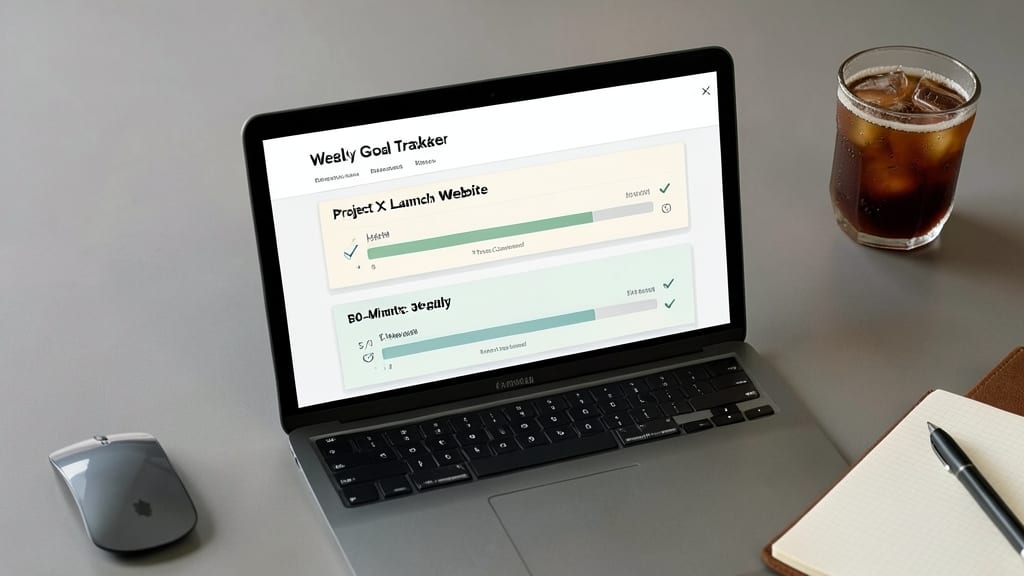
Balancing lectures, deadlines, and research papers just got easier with the Student Academic Planner Template—a OneNote powerhouse built for college life. Unlike generic planners, this template includes dedicated sections for assignments (green), exams (blue), and research notes (yellow), so you never miss a critical date again.
The color-coded course categories let you visually separate subjects at a glance, while built-in reminders sync across your Windows, Mac, or mobile device. Add lecture notes directly into the template, embed files, or use OneNote’s drawing tools to sketch diagrams—all in one place. Best of all, it’s free and ready to download from Microsoft’s template gallery.
Ideal for undergrads juggling multiple classes, this template turns chaos into clarity. Whether you’re prepping for finals or tracking group projects, it’s your academic lifeline. ✨
Project Management Kanban Board
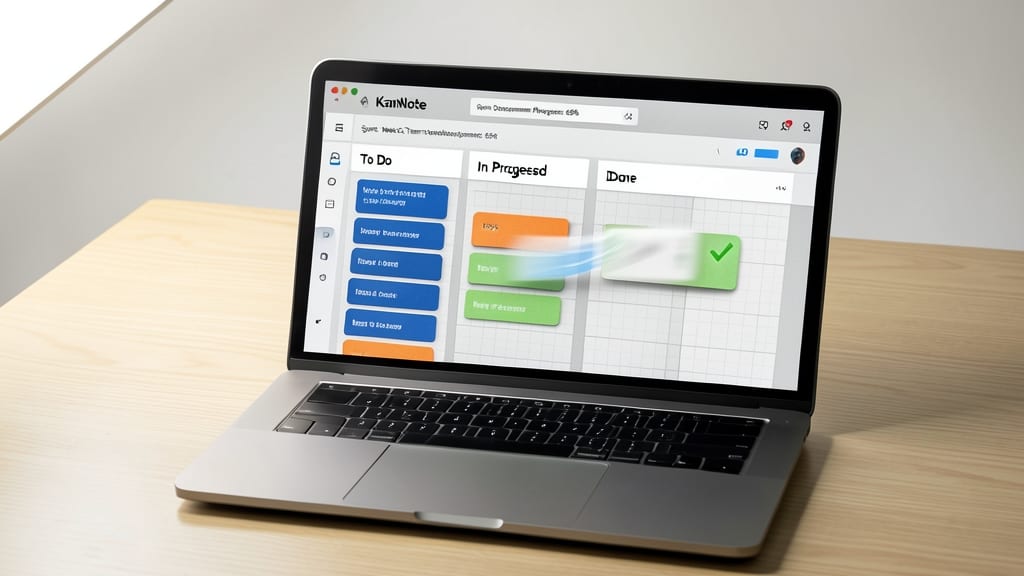
If you're drowning in developer tasks or sprint planning, a OneNote Kanban Board turns your digital notebook into a visual agile powerhouse. This template replaces sticky notes with a drag-and-drop interface, letting you move tasks between "To Do," "In Progress," and "Done" columns in seconds—no extra software needed.
The best part? It integrates seamlessly with OneNote's built-in drawing tools, so you can add notes, deadlines, or even attach files directly to each card. For teams using Microsoft 365, the template syncs across devices, so your sprint backlog stays updated whether you're on a Windows PC, Mac, or mobile app. The color-coded columns make blockers and priorities instantly visible.
Perfect for developers, product managers, or any team practicing Scrum or Kanban—this template turns passive planning into an active workflow. Just import it into OneNote, and start organizing like a pro. ✨
Health and Wellness Tracker
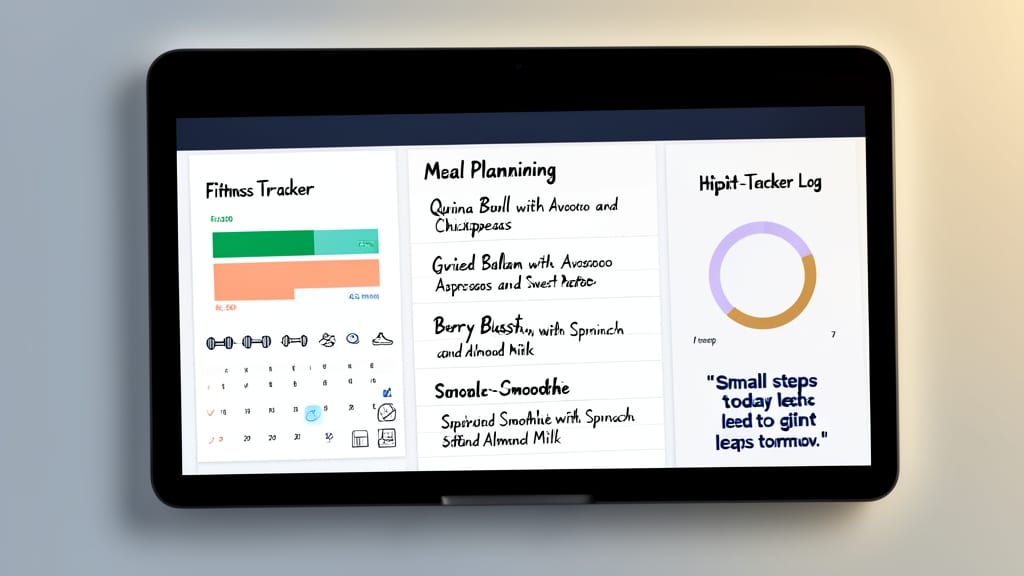
If you're ready to turn your health goals into a structured, motivating routine, this Health and Wellness Tracker template is your digital coach. Unlike generic to-do lists, it combines fitness tracking, meal planning, and habit-building—all in one place—with built-in motivational quotes to keep you inspired.
You’ll find customizable sections for logging workouts, meal prep, hydration, and even sleep patterns, all synced with color-coded progress bars to visualize your consistency. The template also includes weekly reflection prompts to help you adjust habits based on real results. Best of all, it’s designed to sync seamlessly across Windows, Mac, and mobile, so your progress stays with you everywhere. 💪
Meeting Notes Organizer Template
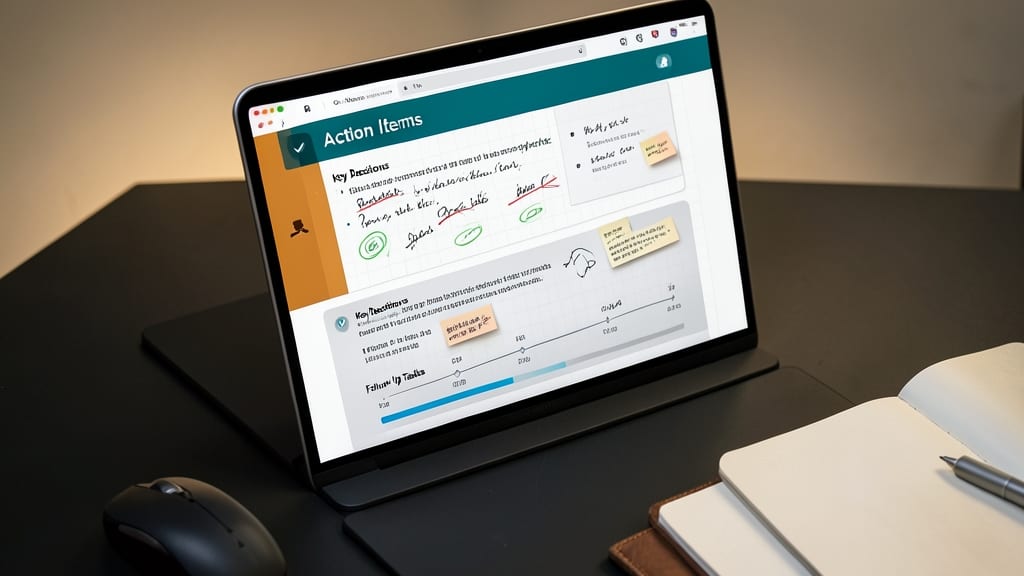
Tired of losing track of meeting follow-ups or misplacing critical decisions? The Meeting Notes Organizer Template turns OneNote into your command center for professional discussions, with dedicated sections for action items, key decisions, and follow-up tasks—all in one place.
This template includes pre-built layouts for common meeting types (brainstorming, client reviews, team syncs) and color-coded tags to highlight priorities. The built-in assignee tracking ensures no task falls through the cracks, while the decision log keeps your team aligned. Best of all, it syncs across all your devices for seamless access.
Ideal for managers, project leads, and anyone who hosts regular meetings, this template saves hours of post-meeting scrambling. Try it to keep your team’s momentum going strong. ✨
Travel Itinerary Planner
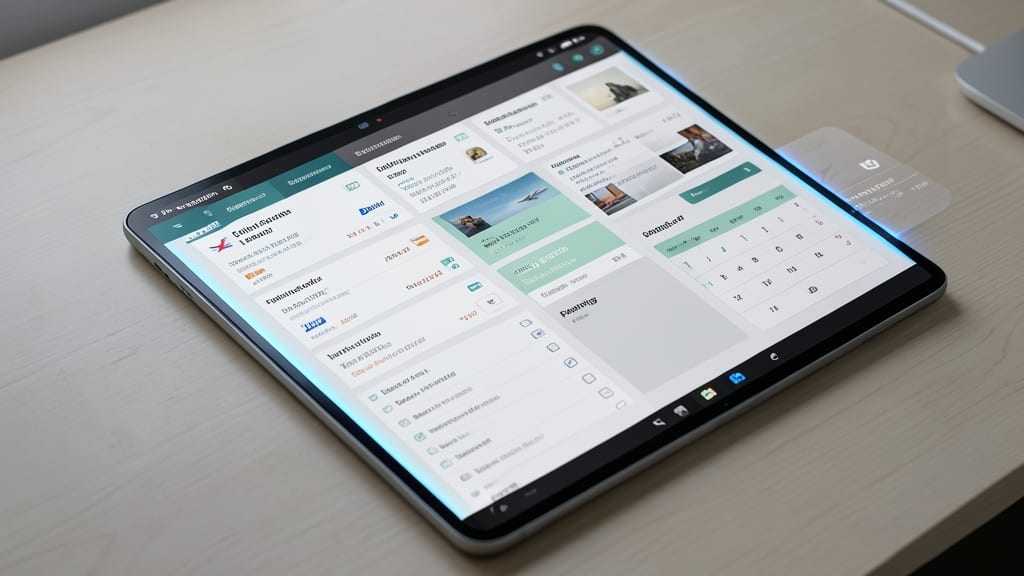
Forget juggling spreadsheets, sticky notes, and scattered emails—this Travel Itinerary Planner consolidates every detail of your trip into one sleek, searchable OneNote hub. Whether you're a road warrior or a weekend warrior, it handles flights, hotels, and packing lists without the chaos.
Key features include real-time budget tracking with currency conversion, interactive packing lists (check off items as you go), and embedded maps for directions. The template even syncs across devices, so your itinerary updates instantly whether you're on your Windows PC, Mac, or mobile app. Pro tip: Use tags like #EmergencyContacts for quick access during travel.
Perfect for digital nomads, family vacation planners, or anyone who hates last-minute scrambling. Sync it with your Outlook calendar for automated reminders and never miss a flight again. ✨
Habit Tracker with Streaks
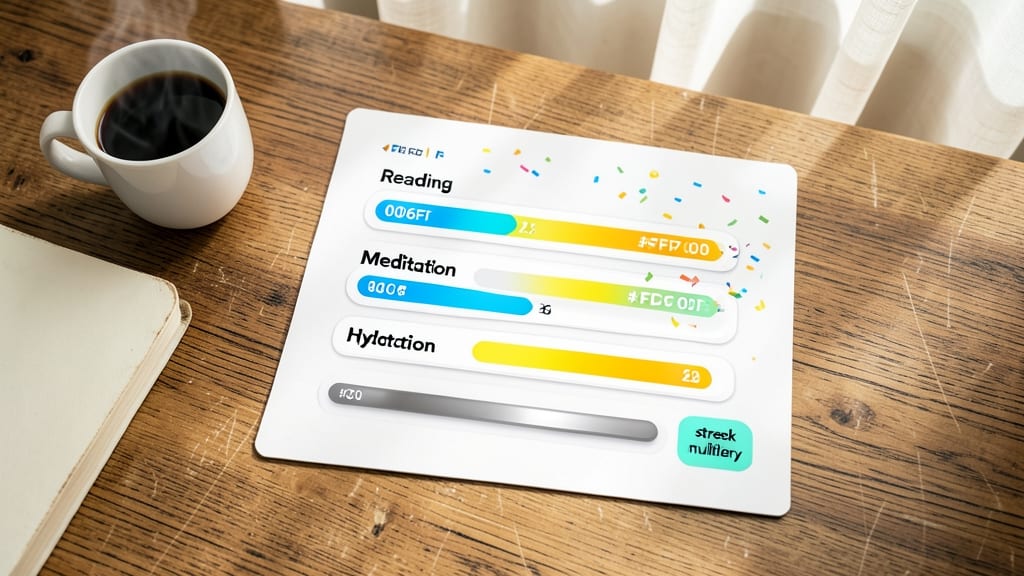
Turn mundane routines into rewarding challenges with this gamified habit tracker that turns consistency into a visual celebration. Unlike static checklists, this template transforms your daily habits—like reading or meditation—into a streak counter system that motivates you to keep going.
The design features color-coded progress bars for completed days, red alerts for missed sessions, and blue streak counters that grow with each successful streak. Built-in motivational reminders pop up to keep you on track, while a 30-day calendar view lets you see patterns and celebrate milestones at a glance.
Perfect for anyone looking to build lasting habits—whether you're a busy professional needing a morning routine or a student aiming for consistent study sessions. The template syncs seamlessly across Windows, Mac, and mobile, ensuring your progress stays with you everywhere. ✨
Budget Planner with Expense Categories
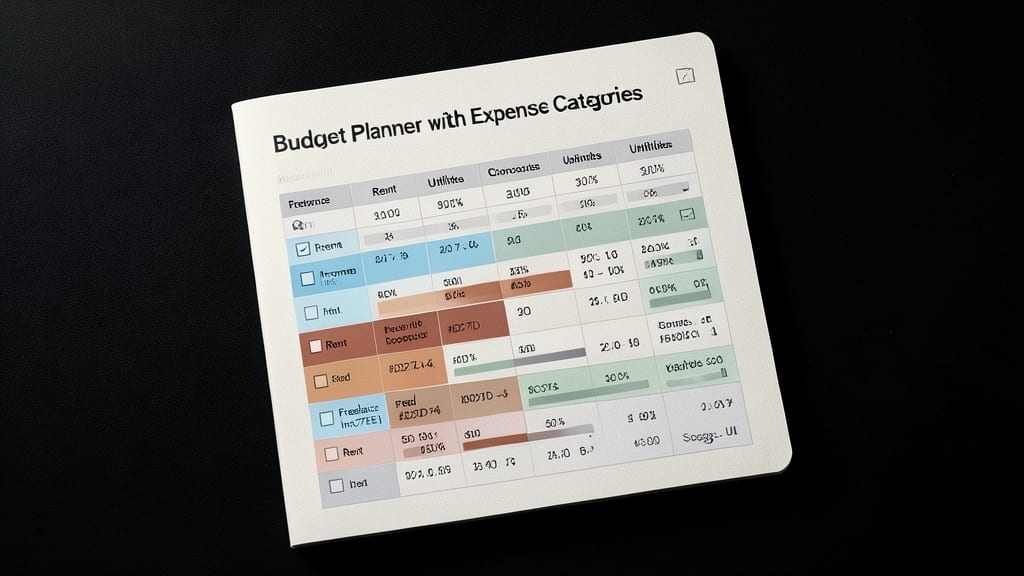
Tired of spreadsheet chaos when tracking freelance income or monthly bills? This Budget Planner with Expense Categories brings financial clarity to OneNote with its color-coded category system and real-time budget tracking. Unlike generic spreadsheets, it visually separates income (blue), fixed expenses (green), and variable costs (red) for instant financial awareness.
The template includes monthly budget breakdowns, recurring expense alerts, and customizable category limits—perfect for freelancers juggling project-based income or personal finance managers balancing multiple accounts. Sync it across Windows, Mac, and mobile to manage finances on the go, with built-in formulas that auto-calculate totals and highlight overspending.
Ideal for solopreneurs, remote workers, or anyone who wants zero-config financial tracking without switching apps. 💪
Creative Writer's Notebook Template
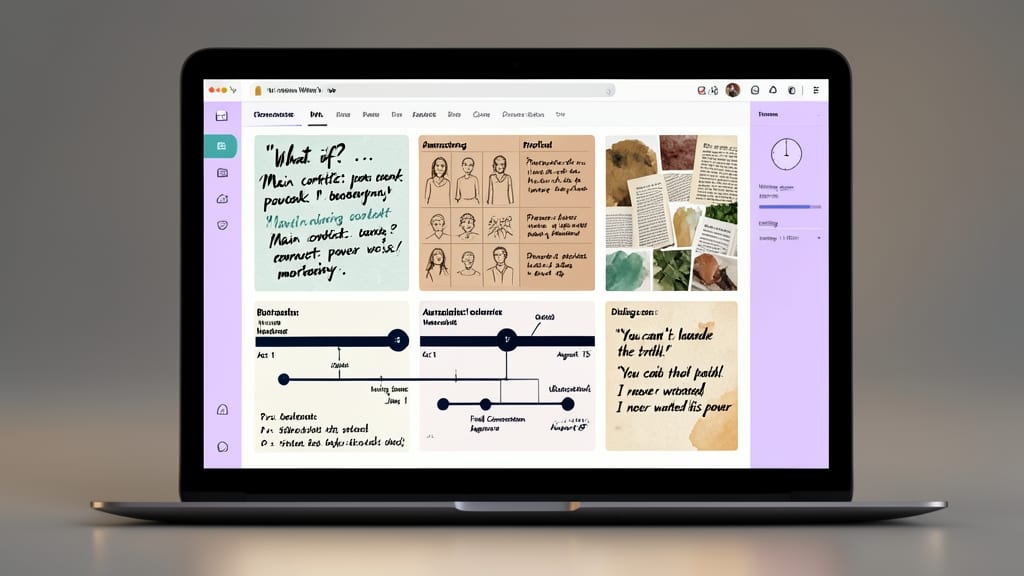
Stuck in the blank page syndrome? The Creative Writer's Notebook Template turns OneNote into your digital muse with dedicated sections for brainstorming, character profiles, and plot outlines. Designed for novelists and content creators, it includes thematic mood boards, dialogue snippets, and timeline trackers—all in one place.
With pre-formatted tables for world-building and a dedicated inspiration vault for quotes and ideas, this template eliminates the chaos of scattered notes. The color-coded sections (purple for brainstorming, blue for characters, green for plot) make navigation intuitive, while OneNote's handwriting support lets you sketch mind maps or jot down voice notes for on-the-go creativity.
Perfect for writers who thrive on visual organization or need a structured yet flexible space to develop ideas. Whether you're drafting a novel or planning blog content, this template keeps your creative process flowing smoothly. ✨