
Software
Working with dates and times across systems requires precision. These 10 globally recognized formats ensure compatibility in programming, databases, and APIs, saving developers from localization headaches and data corruption risks.
ISO 8601 Date Format YYYY-MM-DD
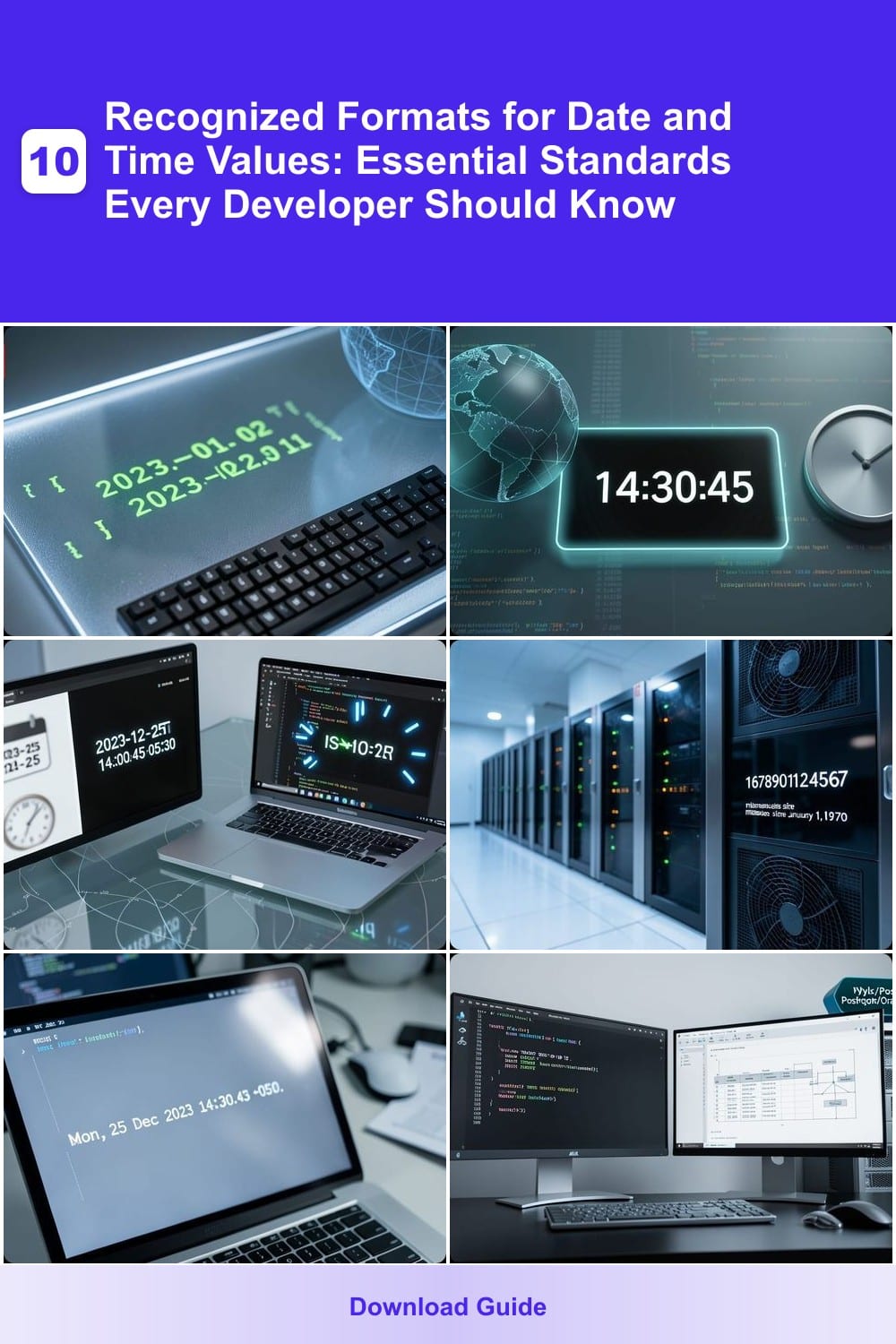
Tired of debugging date parsing errors caused by regional settings? The ISO 8601 Date Format (YYYY-MM-DD) solves this once and for all by using a universally recognized structure where years always come first, followed by month and day—no ambiguity whether "01/02/2023" means January 2nd or February 1st.
This format is the default choice for REST APIs, NoSQL databases (MongoDB, Cassandra), and modern programming languages like Python (datetime.date()), JavaScript (toISOString()), and Java (LocalDate). It’s also the foundation for the ISO 8601 Combined Date-Time Format and JSON Date Format, ensuring consistency across your entire tech stack.
Perfect for developers building global applications or integrating systems where date parsing must work flawlessly regardless of user location. 💡
ISO 8601 Time Format HH:MM:SS
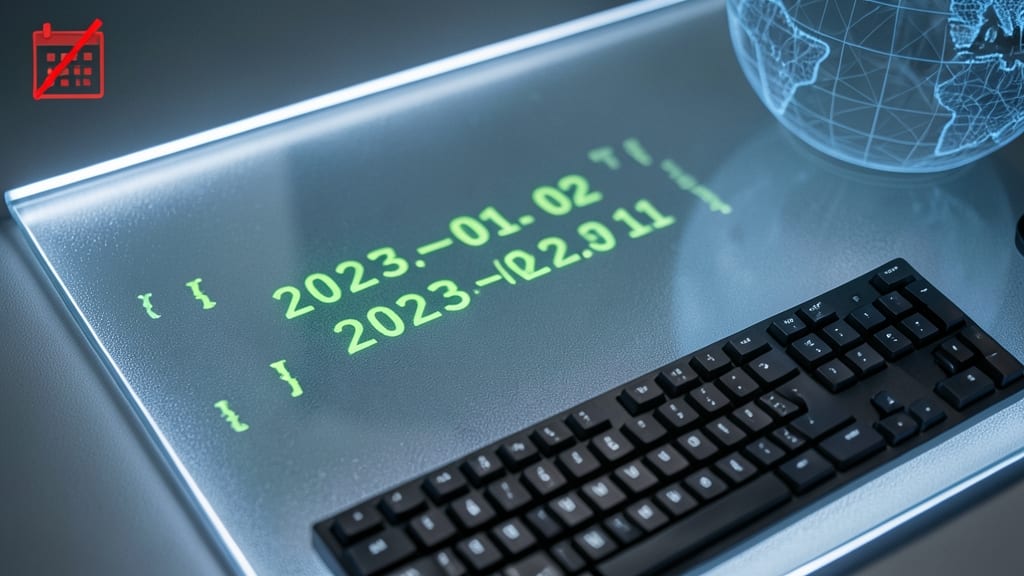
For distributed applications where time zones and scheduling are critical, the ISO 8601 Time Format (HH:MM:SS) provides a clean, unambiguous solution. Unlike date formats, this standard focuses solely on time representation, making it perfect for APIs that need to handle time-only operations like cron jobs, event triggers, or real-time analytics.
The format uses a simple 24-hour clock structure (e.g., 14:30:45), with leading zeros ensuring consistent parsing. It’s widely supported by programming languages like Python (datetime.time()), JavaScript (toISOString()), and databases (PostgreSQL, MySQL). For distributed systems, this format pairs seamlessly with timezone offsets (like UTC±HH:MM) when combined with other ISO 8601 standards.
Ideal for developers building microservices or serverless architectures where time-based logic must remain consistent across regions. ⚡
ISO 8601 Combined Date-Time Format
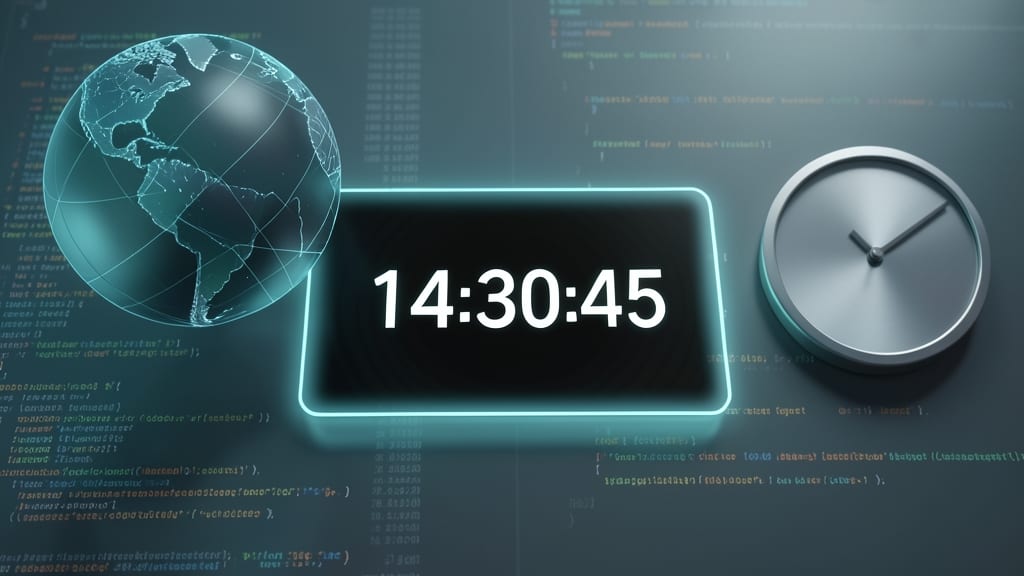
When your application needs to sync events across time zones without ambiguity, ISO 8601 Combined Date-Time Format is the gold standard. Unlike separate date and time formats, this single standard merges both with timezone offsets (e.g., 2023-12-25T14:30:45+05:30), eliminating parsing errors in distributed systems.
The format uses YYYY-MM-DDTHH:MM:SS±HH:MM structure, where "T" separates date/time and "+/-" indicates UTC offset. This makes it ideal for APIs, logs, and databases where global synchronization is critical—no more guessing whether "12/25/2023" means December 25th or the 25th of December.
Perfect for developers building cloud services or IoT devices where time zones matter. ⚡
Unix Timestamp Format

When your application demands sub-millisecond precision for sorting logs or calculating time-based metrics, Unix timestamps deliver the raw power you need. Unlike human-readable formats, this integer value represents milliseconds (or seconds) since January 1, 1970—ideal for backend systems where sorting and arithmetic operations happen at machine speed.
The 13-digit Unix timestamp (e.g., 1703456845000) eliminates timezone ambiguity and reduces storage overhead, making it the go-to choice for databases, analytics pipelines, and distributed systems. Libraries like Python’s time.time() or JavaScript’s Date.now() provide seamless conversion, while most programming languages support direct parsing with minimal overhead.
Backend engineers and data scientists rely on this format for high-frequency trading systems, server logs, and performance monitoring where every millisecond counts. ⚡
RFC 2822 Email Date Format

Ever wonder why your email client displays dates like "Mon, 25 Dec 2023 14:30:45 +0530" instead of the familiar MM/DD/YYYY? That’s RFC 2822—the standard format for email headers and messaging protocols that balances human readability with timezone precision.
The format follows a structured pattern: Day, DD Mon YYYY HH:MM:SS ±HHMM, where Mon is the abbreviated weekday, ±HHMM is the timezone offset, and DD includes leading zeros. Unlike ISO 8601, it omits colons in timezone offsets (e.g., +0530 instead of +05:30) and supports folded headers for long subjects. This makes it ideal for SMTP servers, IMAP protocols, and email parsing libraries like Python’s email.utils or Node.js’s node-dateformat.
Developers parsing email headers or building messaging apps should prioritize RFC 2822 for backward compatibility and interoperability with legacy systems. It’s the unsung hero behind seamless email date handling. ✨
SQL Date Format YYYY-MM-DD
When writing SQL queries, you’ll find the YYYY-MM-DD format isn’t just a convention—it’s the backbone of database consistency. Unlike regional date formats, this standardized approach ensures your queries work seamlessly across MySQL, PostgreSQL, SQL Server, and Oracle, regardless of server location.
Most SQL databases natively support this format for date comparisons, sorting, and filtering. ORMs like Django ORM, SQLAlchemy, and Entity Framework automatically convert application dates to this format when interacting with databases. Even legacy systems rely on it for indexing and joins, making it the safest choice for long-term data integrity.
Developers working with multi-database systems or building APIs will appreciate how this format eliminates parsing errors. It’s the go-to for CRUD operations where precision matters most. 💻
Excel Date System Serial Number
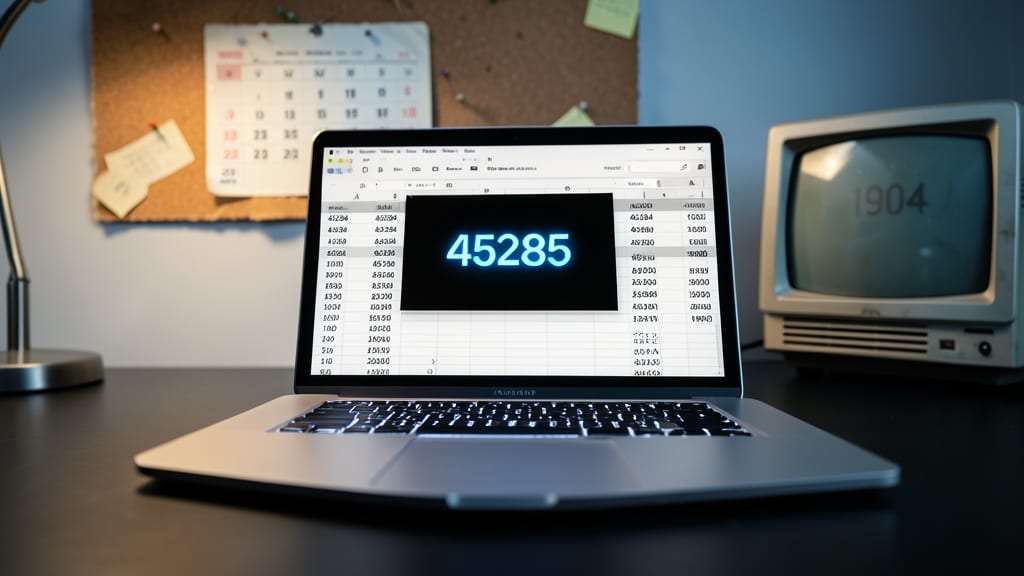
Ever wondered why Excel treats dates as numbers like 45285 instead of text? This Excel Date System Serial Number format is the backbone of spreadsheet calculations, where each date is stored as a sequential number representing days since January 1, 1900 (or 1904 for older Mac versions).
Under the hood, Excel converts dates into floating-point numbers (e.g., 45285.5 for 12:00 PM), enabling precise arithmetic operations. This format powers everything from DATEDIF() functions to dynamic charts. The system even handles leap years automatically, ensuring consistency across formulas.
Perfect for financial analysts, data scientists, or anyone relying on Excel formulas—this format eliminates ambiguity in calculations while keeping your spreadsheets efficient. 💻
JSON Date Format

When building APIs that need to communicate with JavaScript clients, the JSON Date Format becomes your go-to solution. Unlike other formats, it’s specifically designed to work seamlessly with JavaScript’s Date.parse() method, ensuring zero-config parsing for web applications.
The standard follows the ISO 8601-compatible string format (e.g., "2023-12-25T14:30:45Z"), but with a critical twist: the trailing "Z" indicates UTC time, while optional timezone offsets (e.g., +05:30) handle regional variations. This format is lightweight, human-readable, and universally supported across modern JavaScript environments.
Perfect for frontend-backend teams, this format eliminates the need for custom parsing logic in APIs. Just return the string, and JavaScript handles the rest—ideal for real-time apps, scheduling tools, or any system where client-side date handling matters. ✨
ANSI C Date-Time Format
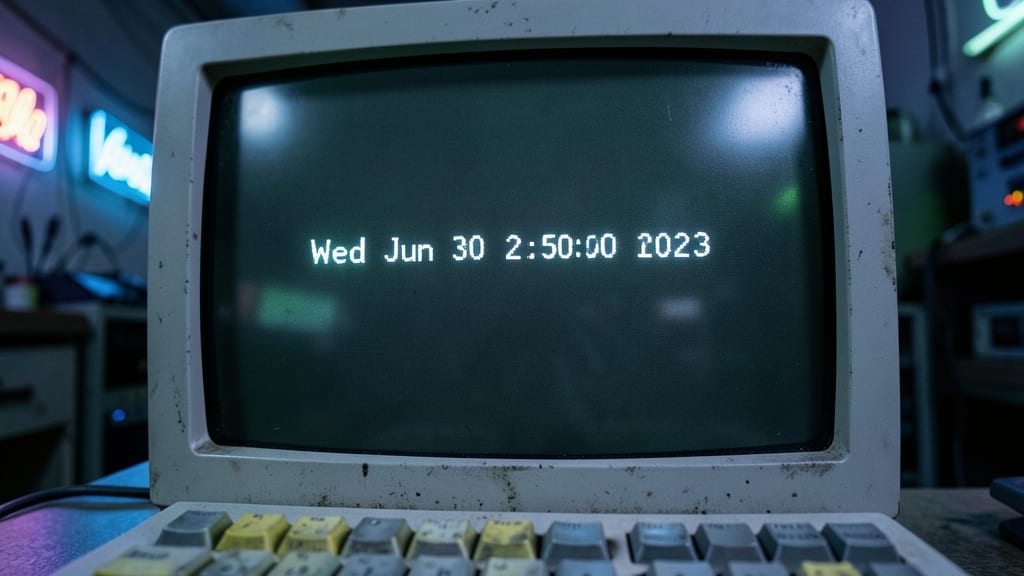
When you’re working with embedded systems or legacy C code, the ANSI C date-time format remains a critical standard. Unlike modern formats, it uses a fixed-width string like "Wed Jun 30 22:50:00 2023"—designed for compatibility with C’s strftime() and ctime() functions.
This format’s human-readable structure (day, month, time, year) makes it ideal for debugging hardware logs or low-level system operations. However, it lacks timezone support and relies on 24-hour time (no AM/PM ambiguity). Many microcontrollers and RTOS kernels still use it for real-time clock (RTC) displays due to its simplicity.
Perfect for developers maintaining C-based firmware or working with resource-constrained devices where parsing efficiency matters more than global standards. ✨
Calendar Date Format MM/DD/YYYY
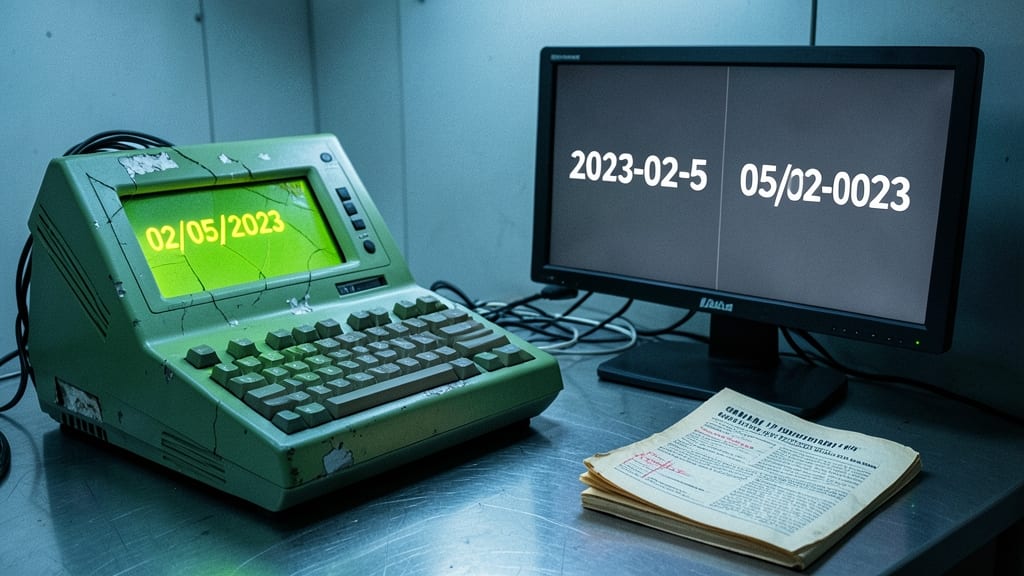
Need to ensure your financial software or legacy systems play nice with US regional settings? The MM/DD/YYYY format isn’t just a preference—it’s a compliance requirement for many banking, payroll, and accounting applications still running on older infrastructure.
This format’s simplicity—month first, then day, then year—aligns with how US-based systems have processed dates for decades. It’s hardcoded into COBOL legacy systems, QuickBooks versions pre-2010, and even some Excel macros designed for US-only workflows. The lack of separators (like slashes) also makes it easy to parse in constrained environments.
If you’re maintaining financial applications or integrating with US-centric databases, this format is your safety net. Just remember: outside the US, it’s a recipe for confusion—so always validate inputs when dealing with global users. 💻