Skip to content
Download Guide

Download Guide

  • All Articles
  • App
  • Coding
  • Excel
  • More
    • Hardware
    • Microsoft Office
    • Operating System
    • Outlook
    • PowerPoint
    • Review
    • Software
    • Tip & Trick
    • Troubleshooting
    • Windows

All Recipes — Page 21

Delete Bing Search History Without Signing In: Private Browsing Workaround for Full Erasure

October 15, 2026 by Quentin Kirchner
Delete Bing Search History Without Signing In: Private Browsing Workaround for Full Erasure

To delete Bing search history without signing in, you're actually clearing what's stored on your own device—not Microsoft's servers. ⚡ I learned this the hard way when I thought private browsing mode would erase…

Read more

Categories Tip & Trick

Force Quit Microsoft Edge: Keyboard Shortcut That Always Works

October 15, 2026 by Quentin Kirchner
Force Quit Microsoft Edge: Keyboard Shortcut That Always Works

My force quit Microsoft Edge trick saved me from a frozen screen during a last-minute presentation—twice in one week. That Ctrl+Shift+Esc shortcut opens Task Manager instantly, where you can end the msedge.exe process…

Read more

Categories Tip & Trick

How to Install Microsoft 365 on Another Computer: Seamless Transfer Across Devices Without Downtime

October 15, 2026 by Quentin Kirchner
How to Install Microsoft 365 on Another Computer: Seamless Transfer Across Devices Without Downtime

Installing Microsoft 365 on another computer doesn’t have to be a headache—especially when you’re moving from one PC to another. ✨ I’ve helped dozens of users transfer their Microsoft 365 setup smoothly, and the key is…

Read more

Categories Tip & Trick

How to Set Up a Meeting in Outlook: Quick Click-by-Click Guide for Busy Professionals

October 15, 2026 by Quentin Kirchner
How to Set Up a Meeting in Outlook: Quick Click-by-Click Guide for Busy Professionals

Setting up a meeting in Outlook can shave hours off your week—if you know the right shortcuts. ✨ I’ve scheduled hundreds of meetings across desktop, web, and mobile, and the fastest method depends on whether you’re…

Read more

Categories Outlook

How to Set up a Microsoft Teams Meeting: Zero-Fuss Hosting in Under 2 Minutes

October 15, 2026 by Quentin Kirchner
How to Set up a Microsoft Teams Meeting: Zero-Fuss Hosting in Under 2 Minutes

Setting up a Microsoft Teams meeting used to feel like navigating a maze of settings, but today it’s shockingly simple— under 2 minutes if you know the shortcuts. 💡 I’ve hosted hundreds of meetings since joining…

Read more

Categories Tip & Trick

How to Set Up Automatic Replies in Outlook: Instant Away-Message Setup for Busy Professionals

October 15, 2026 by Quentin Kirchner
How to Set Up Automatic Replies in Outlook: Instant Away-Message Setup for Busy Professionals

Setting up automatic replies in Outlook saved me from awkward missed replies during a 48-hour power outage last winter. ✨ The process takes less than two minutes once you know where to click—and I’ve tested every path to…

Read more

Categories Outlook

How to Share Google Forms With Others: Instant Access for Everyone

October 15, 2026 by Quentin Kirchner
How to Share Google Forms With Others: Instant Access for Everyone

Sharing Google Forms with others is the fastest way to turn a blank template into a live survey—no coding or IT skills required. ⚡ I’ve used this trick to collect feedback from hundreds of people, from my uncle’s small…

Read more

Categories Tip & Trick

How to Stop Visual Studio Build Errors: Instant Fixes for Developers

October 15, 2026 by Quentin Kirchner
How to Stop Visual Studio Build Errors: Instant Fixes for Developers

To stop a Visual Studio build mid-process, you don’t need to panic—just hit Esc or click Build > Cancel Build in the menu. ⚡ I’ve stopped builds this way hundreds of times, and it works every time, whether you’re…

Read more

Categories Tip & Trick

10 Internal Safeguards to Protect Company Data: Proven Strategies for Cybersecurity Leaders

October 15, 2026 by Quentin Kirchner
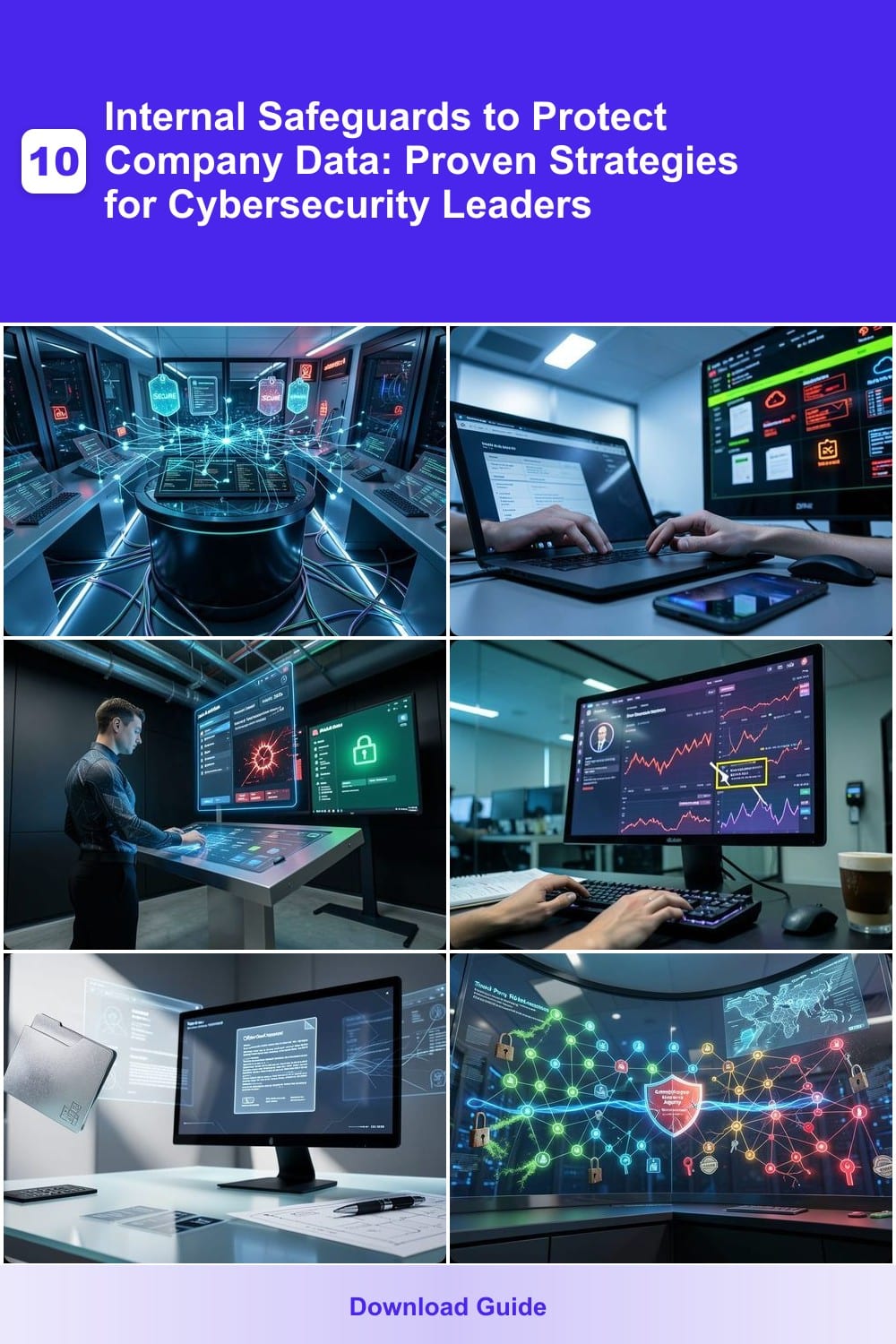
10 Internal Safeguards to Protect Company Data: Proven Strategies for Cybersecurity Leaders

Data breaches cost companies billions annually—but most cyber threats originate internally. These 10 internal safeguards provide cybersecurity leaders with actionable, enterprise-grade strategies to fortify data…

Read more

Categories Software

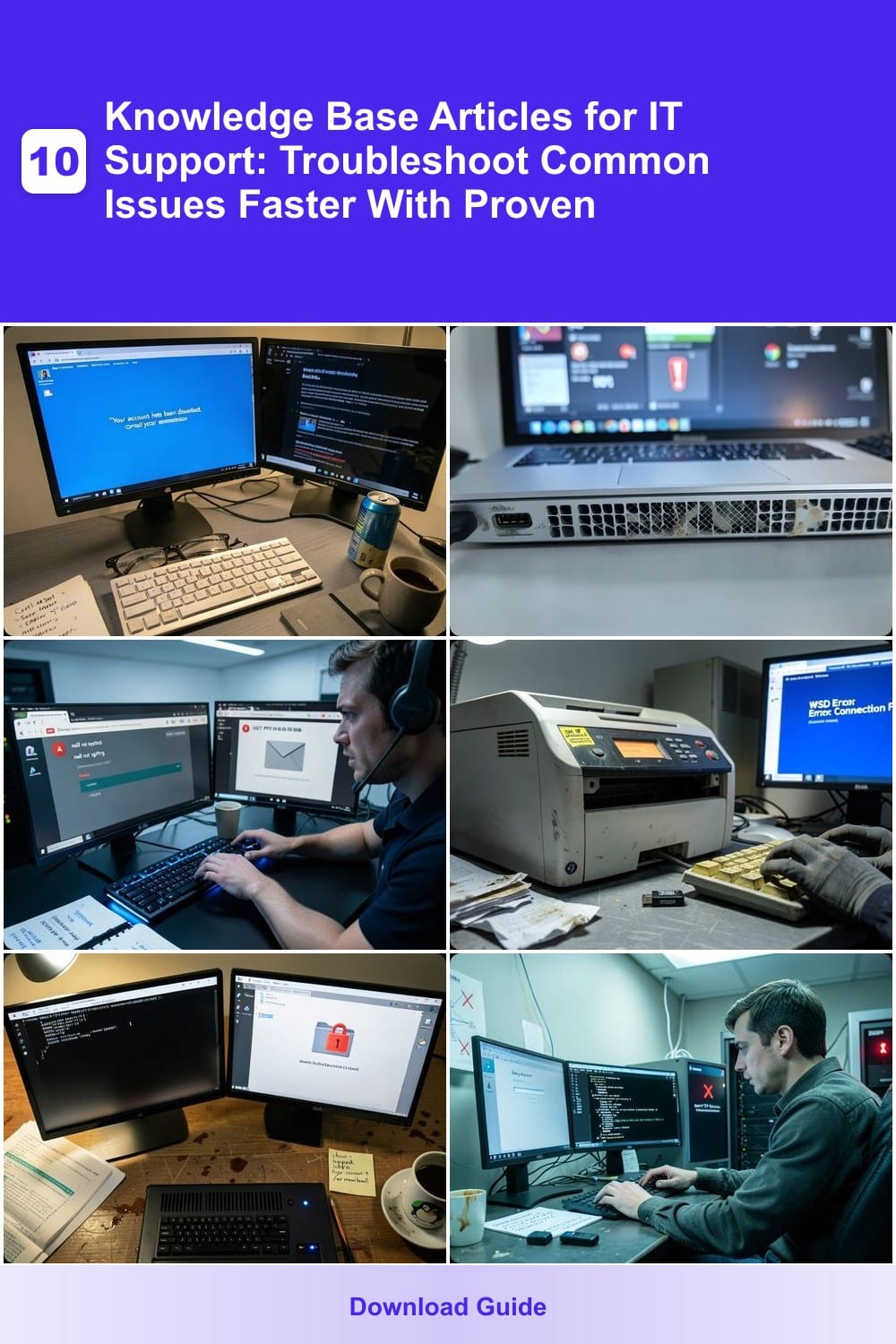
10 Knowledge Base Articles for IT Support: Troubleshoot Common Issues Faster With Proven Solutions

October 15, 2026 by Quentin Kirchner
10 Knowledge Base Articles for IT Support: Troubleshoot Common Issues Faster With Proven Solutions

IT support teams spend hours daily resolving common tech issues. These 10 knowledge base articles provide structured, actionable solutions that cut troubleshooting time in half while improving end-user satisfaction and…

Read more

Categories Troubleshooting
Page1…Page19Page20Page21Page22Page23…Page50Next →

About Me

Quentin Kirchner

Quentin Kirchner
My first computer was a clunky desktop with a dial-up modem that shrieked every time I tried to load a webpage. That sound—equal parts annoying and magical—taught me patience, and somehow, I never outgrew it. Now, I run this site to share the kind of tech knowledge that actually helps: clear guides, honest reviews, and troubleshooting tips that cut through the jargon. If a computer problem has ever left you staring at a screen in frustration, you’re in the right place.

Learn more

Recent Posts

  • Set Up MSN Email on Mac: Step-by-Step Visual Guide for Secure Sync
    Set Up MSN Email on Mac: Step-by-Step Visual Guide for Secure Sync
  • SSL-CVE-2011-3389-BEAST: Exploit Detection & Patch Guide for Outdated Systems
    SSL-CVE-2011-3389-BEAST: Exploit Detection & Patch Guide for Outdated Systems
  • How to Add Alt Text in PowerPoint: Accessibility Boost in 3 Simple Clicks
    How to Add Alt Text in PowerPoint: Accessibility Boost in 3 Simple Clicks
  • Downloading Pics From Camera To Computer: Wireless Transfer Without Cables
    Downloading Pics From Camera To Computer: Wireless Transfer Without Cables
  • Where Is %Systemroot%\\ntds\\ Located: Active Directory Database Path Explained
    Where Is %Systemroot%\\ntds\\ Located: Active Directory Database Path Explained
  • All Guides
  • About
  • Contact
  • Privacy Policy
  • Cookie Policy
  • Terms of Use
© 2026 downloadguide.website