Skip to content
Download Guide

Download Guide

  • All Articles
  • App
  • Coding
  • Excel
  • More
    • Hardware
    • Microsoft Office
    • Operating System
    • Outlook
    • PowerPoint
    • Review
    • Software
    • Tip & Trick
    • Troubleshooting
    • Windows

All Recipes — Page 23

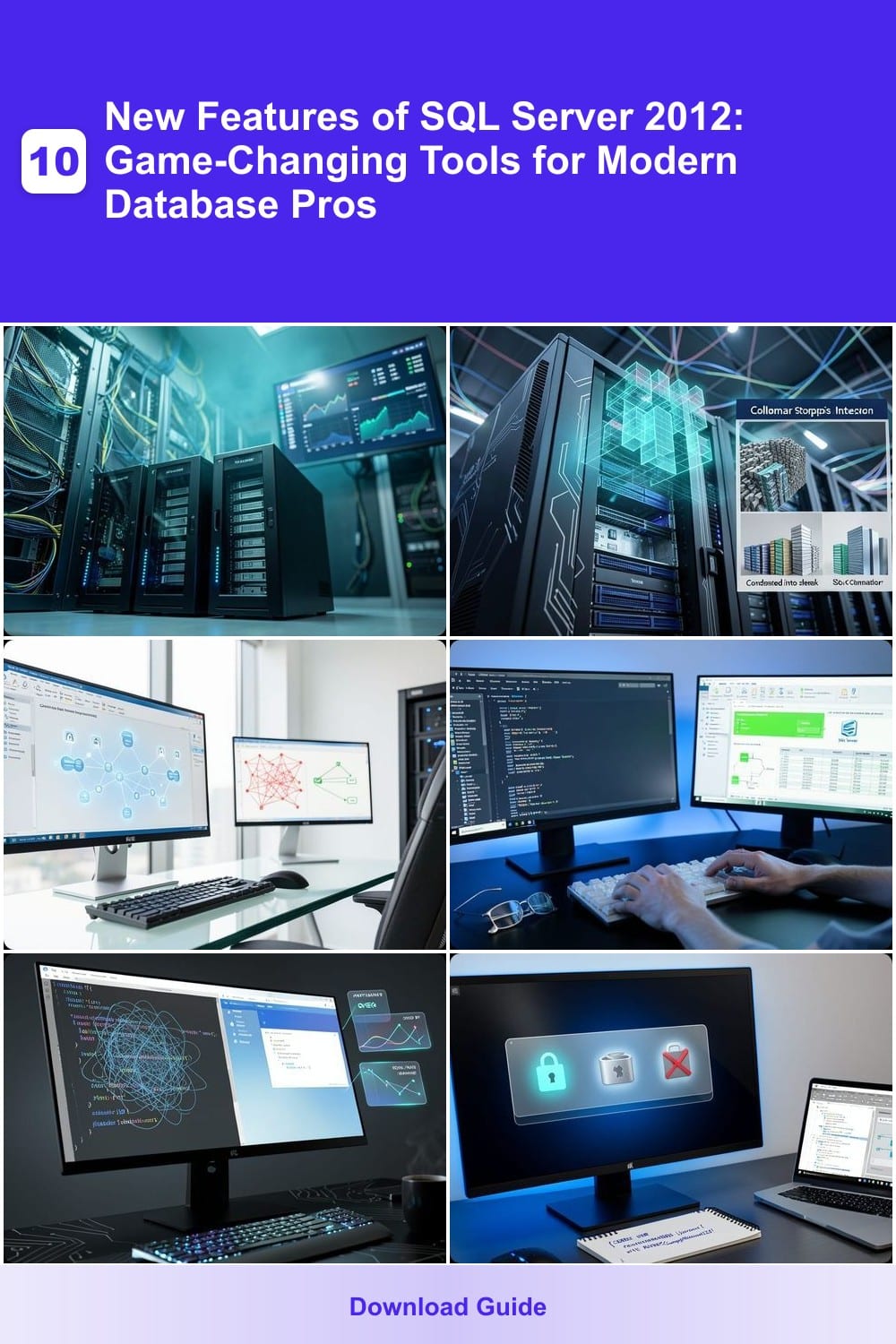
10 New Features of SQL Server 2012: Game-Changing Tools for Modern Database Pros
October 15, 2026 by Quentin Kirchner
10 New Features of SQL Server 2012: Game-Changing Tools for Modern Database Pros

SQL Server 2012 introduced transformative features that redefined database management. Discover these 10 game-changing tools designed to boost performance, simplify administration, and unlock new data capabilities for…
Read more

Categories Coding

10 Free OneNote Planner Templates: 2023 Designs for Productivity on Any Device

October 15, 2026 by Quentin Kirchner
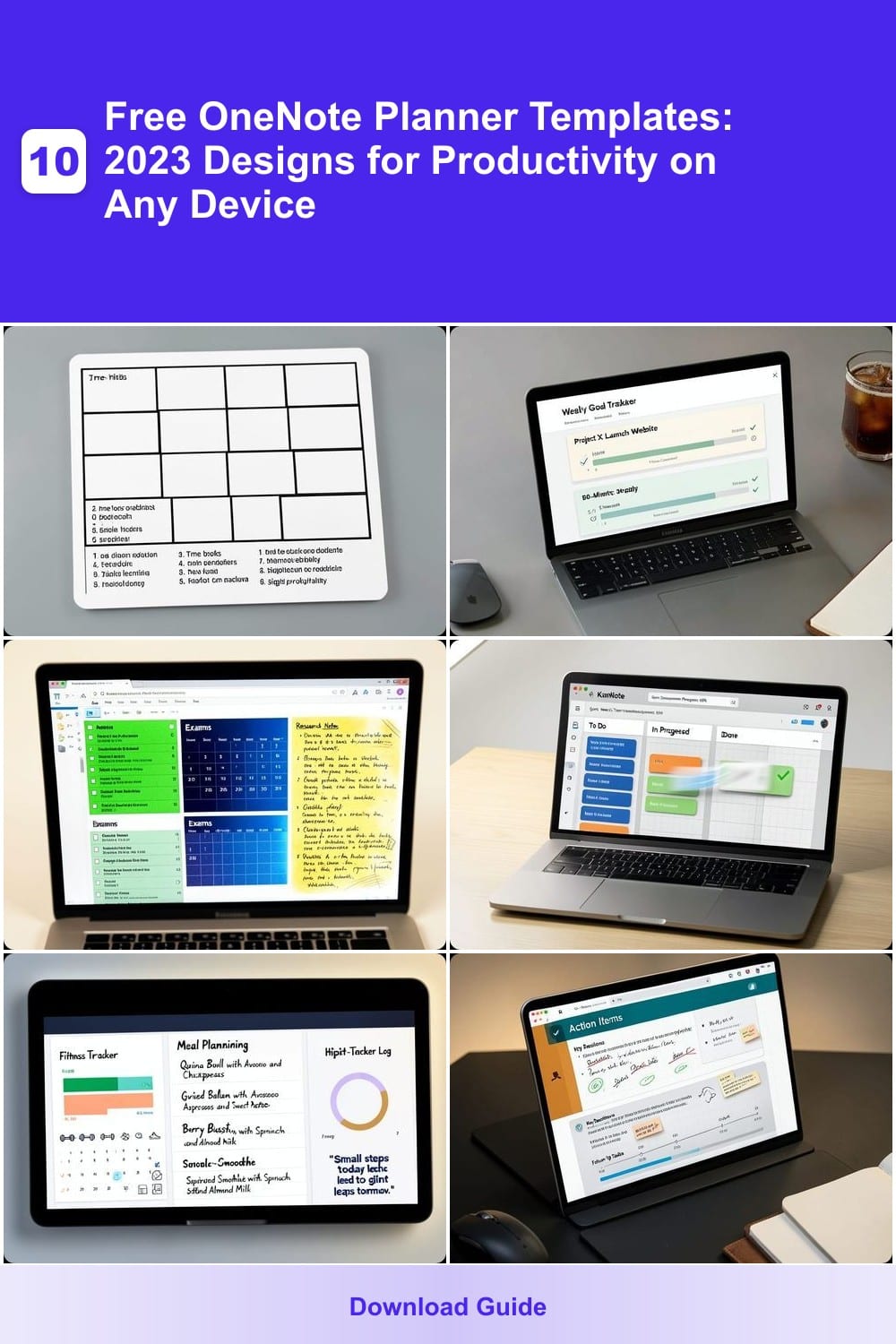
10 Free OneNote Planner Templates: 2023 Designs for Productivity on Any Device

Struggling to stay organized across devices? These 10 free OneNote planner templates for 2023 transform your digital notebook into a powerful productivity hub, whether you're using Windows, Mac, or mobile. Perfect for…

Read more

Categories Operating System

Excel Page Setup Dialog Box: Quick Customization for Print Perfection

October 15, 2026 by Quentin Kirchner
Excel Page Setup Dialog Box: Quick Customization for Print Perfection

The Excel Page Setup dialog box is your secret weapon for turning messy spreadsheets into polished printed reports. ✨ I’ve spent years helping clients wrestle with misaligned tables, cut-off headers, and wasted…

Read more

Categories Software

PowerView Excel 2013 Add-In Download: Legacy Data Visualization Toolkit for PowerPivot Users

October 15, 2026 by Quentin Kirchner
PowerView Excel 2013 Add-In Download: Legacy Data Visualization Toolkit for PowerPivot Users

Downloading the PowerView Excel 2013 add-in unlocks powerful data visualization tools for your PowerPivot projects. Microsoft retired it years ago, but if you’re still working with Excel 2013 and need those interactive…

Read more

Categories Software

Reinstall Internet Explorer 9 on Windows 7: Windows 7 Legacy Browser Revival Guide

October 15, 2026 by Quentin Kirchner
Reinstall Internet Explorer 9 on Windows 7: Windows 7 Legacy Browser Revival Guide

Reinstalling Internet Explorer 9 on Windows 7 can feel like bringing back a classic car from the junkyard—it takes patience, but the right parts make all the difference. ✨ I’ve done this a dozen times for legacy systems…

Read more

Categories Windows

10 Security Best Practices for Remote Workers: Proven Tactics to Block Cyber Threats Before They Strike

October 15, 2026 by Quentin Kirchner
10 Security Best Practices for Remote Workers: Proven Tactics to Block Cyber Threats Before They Strike

Remote work opens doors to flexibility but also exposes you to cyber threats like phishing, malware, and data breaches. These 10 security best practices—backed by IT experts and real-world incidents—will help you create…

Read more

Categories Tip & Trick

Set up Automatic Archiving Outlook 2010: One-Click Rules for Effortless Email Management

October 15, 2026 by Quentin Kirchner
Set up Automatic Archiving Outlook 2010: One-Click Rules for Effortless Email Management

Setting up automatic archiving in Outlook 2010 saved me hundreds of hours of manual cleanup over the years. Here's the straightforward process that turns your inbox into a self-maintaining system—no more digging through…

Read more

Categories Outlook

Set up Voicemail on Windows Phone: One-Tap Activation for Missed Calls

October 15, 2026 by Quentin Kirchner
Set up Voicemail on Windows Phone: One-Tap Activation for Missed Calls

Setting up voicemail on your Windows Phone used to feel like navigating a maze—until I cracked the code after helping my dad configure one of his old IBMs back in Pittsburgh. ✨ The process is actually shockingly…

Read more

Categories Windows

Setup Cannot Find Office EN US Officelr Cab: Fix Missing Language Pack in 3 Clicks

October 15, 2026 by Quentin Kirchner
Setup Cannot Find Office EN US Officelr Cab: Fix Missing Language Pack in 3 Clicks

My Office installation kept crashing with "setup cannot find office en us officelr cab"—turns out this missing language pack error stumps even seasoned IT pros. ✨ The issue stems from a corrupted download, incomplete…

Read more

Categories Troubleshooting

Turn Off Internet Explorer Compatibility View: Disable It Permanently in 2 Clicks

October 15, 2026 by Quentin Kirchner
Turn Off Internet Explorer Compatibility View: Disable It Permanently in 2 Clicks

To turn off Internet Explorer compatibility view for good, you’ll need to outsmart that pesky setting—it’s like a digital door that refuses to stay shut. The good news? You can turn it off in seconds, not hours of…

Read more

Categories Review
Page1…Page21Page22Page23Page24Page25…Page50Next →

About Me

Quentin Kirchner

Quentin Kirchner
My first computer was a clunky desktop with a dial-up modem that shrieked every time I tried to load a webpage. That sound—equal parts annoying and magical—taught me patience, and somehow, I never outgrew it. Now, I run this site to share the kind of tech knowledge that actually helps: clear guides, honest reviews, and troubleshooting tips that cut through the jargon. If a computer problem has ever left you staring at a screen in frustration, you’re in the right place.

Learn more

Recent Posts

  • Set Up MSN Email on Mac: Step-by-Step Visual Guide for Secure Sync
    Set Up MSN Email on Mac: Step-by-Step Visual Guide for Secure Sync
  • SSL-CVE-2011-3389-BEAST: Exploit Detection & Patch Guide for Outdated Systems
    SSL-CVE-2011-3389-BEAST: Exploit Detection & Patch Guide for Outdated Systems
  • How to Add Alt Text in PowerPoint: Accessibility Boost in 3 Simple Clicks
    How to Add Alt Text in PowerPoint: Accessibility Boost in 3 Simple Clicks
  • Downloading Pics From Camera To Computer: Wireless Transfer Without Cables
    Downloading Pics From Camera To Computer: Wireless Transfer Without Cables
  • Where Is %Systemroot%\\ntds\\ Located: Active Directory Database Path Explained
    Where Is %Systemroot%\\ntds\\ Located: Active Directory Database Path Explained
  • All Guides
  • About
  • Contact
  • Privacy Policy
  • Cookie Policy
  • Terms of Use
© 2026 downloadguide.website